☑️ Add Van Safety Information in ParcVu Desktop
Last updated 9 months ago
To edit these fields, the User will need the permission Edit Safety Checks
Find the Holiday Home either from the Account, Pitch or Find Van screens
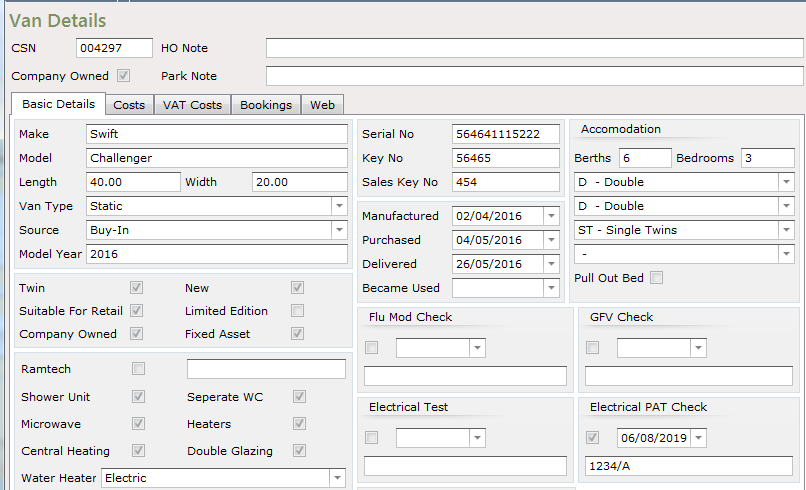
The Safety Checks section can be seen centre right of the Van Details screen
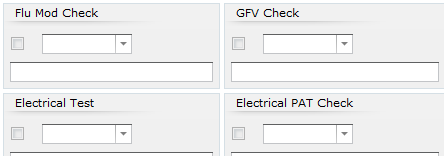
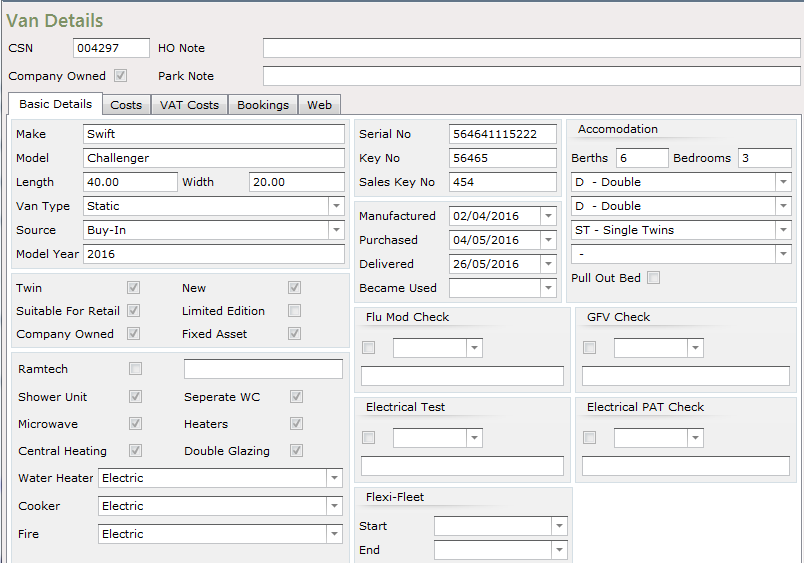
Flu Mod Check means Flue Modification Check
GFV Check means Gas, Flue & Ventilation Check (commonly called ‘Gas Test’ or ‘Landlords Gas Safety Check’)
Electrical Test is the Electrical Installation Test
Electrical PAT Check is Portable Appliance Testing, a requirement for appliances in Holiday Homes which are rented out, including privately owned Holiday Homes
Select ‘Edit’ from the Navigation list on the right.
To enter information into any of the ‘Safety Checks’ fields, click into the small box on the left-hand side to ‘Tick and Flag’ the fields and highlight them.
Use the Drop-down arrows on the side of the ‘Date’ fields to bring up the calendar and enter the Date the safety test was done.
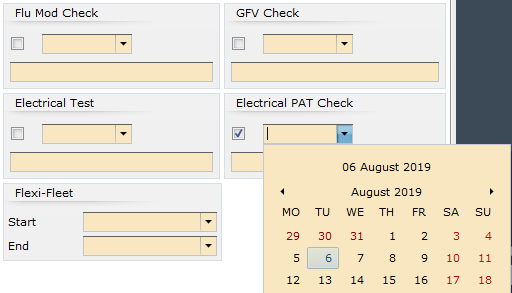
Enter the ‘Cert Number’ information, (if any fields already contain previous information, you can overtype this)
Once finished, click ‘Save’ on the Navigation list on the right and the new information will be recorded and saved.
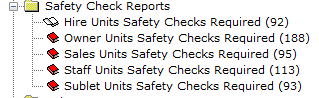
This detail can also be seen on the ‘Safety Check Reports’ in the Reports menu.