☑️ Reset Owners' Portal Password in ParcVu Desktop
Last updated 11 months ago
When an Owner registers online, they are asked to set an Email Address and a Password. If an owner reports that they have forgotten their password, it is possible to enable them to change it.
Forgotten Password
Navigate to the Owners Account details screen, if the owner has registered online there will be an option on the navigation list called ‘Reset Web Password’
This option will only appear for users with the Can Reset Web Passwords user permission
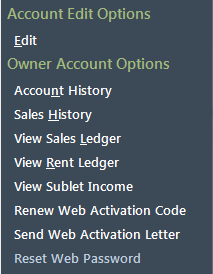
Click on this option and a Password reset message will be displayed, click ‘OK’
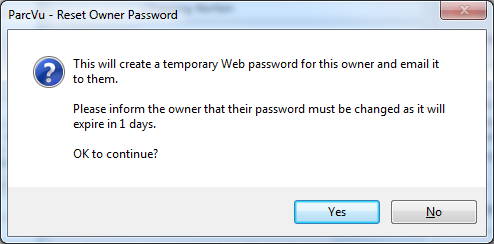
This reset email will be sent to the one the Owner used to register their Portal Account. This may be different than the email address they receive communications from you to
Forgotten Email/Username
If the Owner cannot remember the email address they registered with, then you will need to select the ‘Renew Web Activation Code’ option on the navigation list:
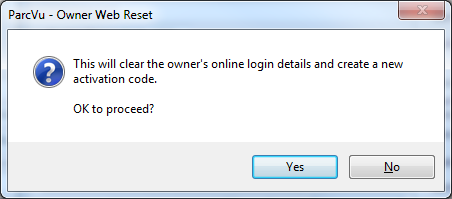
This will create a Brand-new Web Activation Code which you will then need to send to the Owner so that they can re-register themselves online.
Unable to Login
If your Owner is receiving an error message, you’ll need to contact your Web Developer in the first instance. ParcVu Support does not have access to your Owner Portal.