☑️ Ledger Transfers in ParcVu Desktop
Last updated 5 months ago
To use this function the user will need the Allow Ledger Transfer and Allow Ledgers Sub Menu user permissions
This function allows payments that have been posted to the wrong Ledger on a Customer Account to be transferred to the correct Ledger
From the Home screen go to Ledgers Sub Menu > Ledger Transfer
You must have a Park selected in the top right of the screen for this option to be available - if set to ‘All Parks’, this option will be greyed out
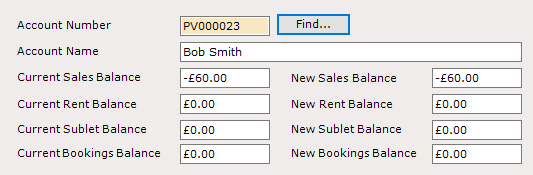
Enter the Account Number (or use the Find option to search for the correct customer) and the current balances for that Account will be displayed
In the ‘Transfer’ section, select which Ledger to transfer to and the amount you wish to transfer - the values in the top will update to reflect what the new balance will be for each ledger
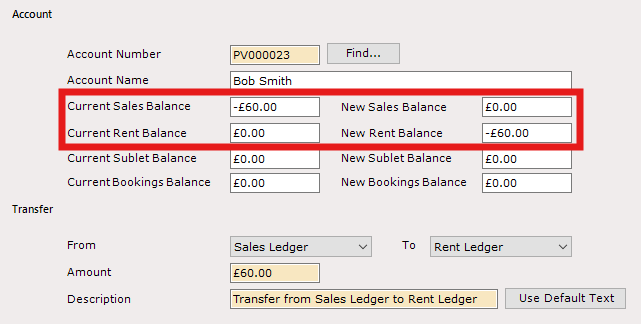
Amend the description if required, according to your business practices
Once all details are entered, select ‘Post’ from the navigation list at the top right of the screen.
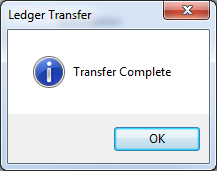
Click ‘OK’ to the message ‘Transfer Complete’.
This function can only be used to transfer credit amounts between Ledgers on the same Account. If a Payment has been pasted to the wrong Account, then a reversal transaction will need to be manually posted, and the transaction recreated on the correct Account
If a charge has been posted to the wrong Ledger, this must be reversed with a credit note, and the charge put on the correct ledger manually - it cannot be transferred using this function