☑️Reserve a Sublet Unit for the Owners Use in ParcVu Desktop
Last updated 8 months ago
The Owner Weeks function in ParcVu Desktop is only available to existing customers who previously signed up for the legacy ParcVu Bookings module. New subscribers will be offered enrolment in the Booking Experts module. Existing customers using legacy Bookings will be offered the opportunity to upgrade to Booking Experts - contact your Account Manager for more information
If a subletting Owner wishes to book some time in their unit for their own use, then this can be done via the Owner Weeks Calendar on the Sublet record
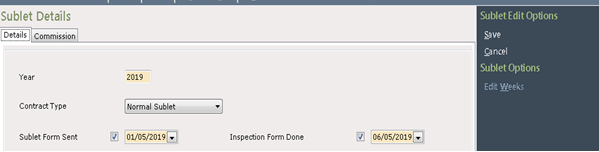
To book an Owner period, navigate to the Owners current Sublet record (from the Sublets section on the Home screen) and select ‘Edit’ on the navigation list
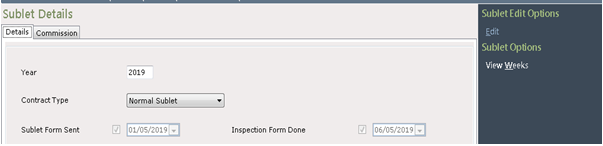
Next, select ‘Edit weeks’ on the navigation list.
The ‘Owner Booked Weeks calendar will be displayed.
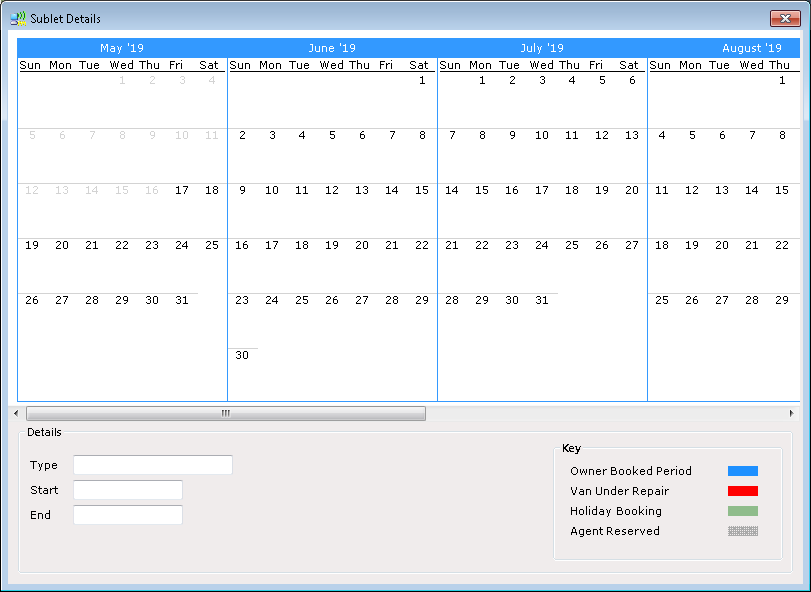
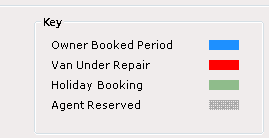
Any existing bookings will be displayed, the key shows the type of booking on the unit
Click onto the required start date in the calendar and drag your mouse to the required end date, then right click on your mouse and a pop up will appear
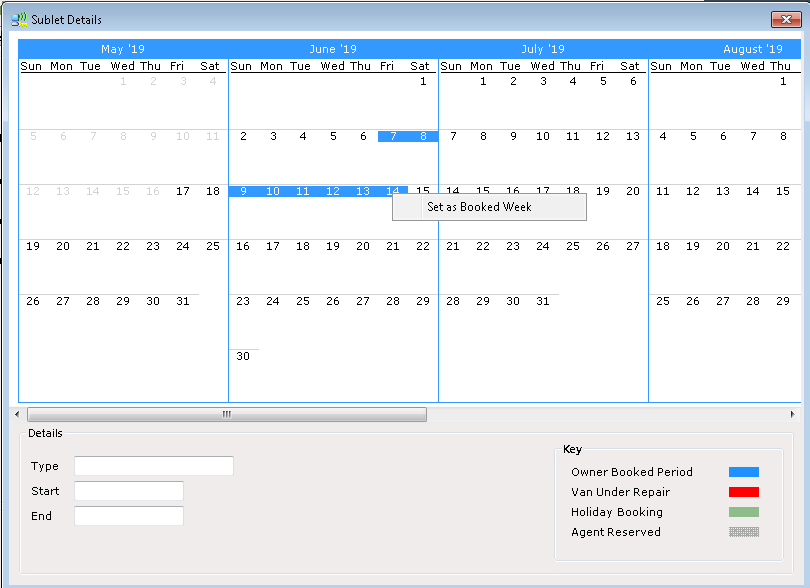
Click on the message to ‘set as Booked week’ and the calendar will show the booked period
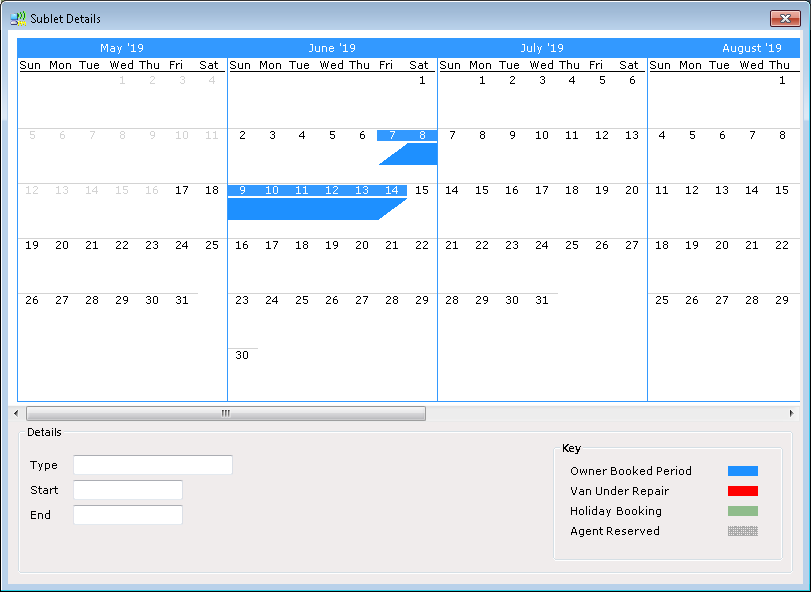
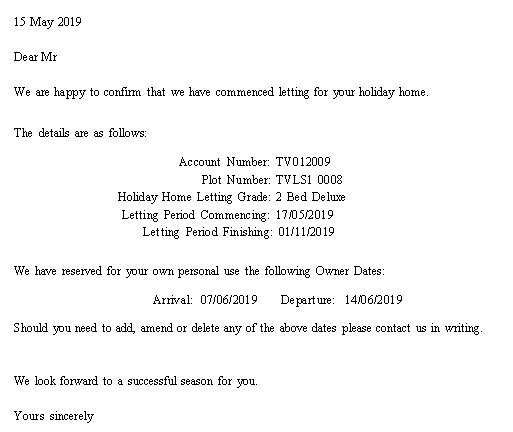
Click on the Red X on the top right of the calendar screen and then select ‘Save’ on the navigation list and the Owner booked period will be saved on the calendar, a letter will be sent to the printer to send or give to the Owner to confirm their booked period.
To view the Owner Weeks calendar again, select ‘View weeks’ on the navigation list.

The calendar will be displayed showing any booked periods.
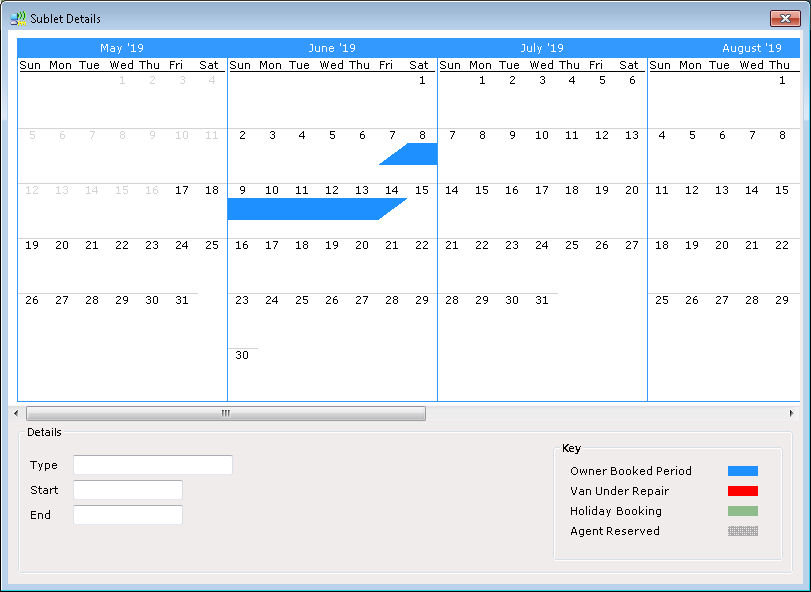
Unlike Holiday Bookings, Owner Weeks can be set for any amount of days as required, the Owner unit will be taken out of availability for any Owner booked dates