☑️ Find a Sublet Owner in ParcVu Desktop
Last updated 8 months ago
The Sublet function in ParcVu Desktop is only available to existing customers who previously signed up for the legacy ParcVu Bookings module. New subscribers will be offered enrolment in the Booking Experts module. Existing customers using legacy Bookings will be offered the opportunity to upgrade to Booking Experts - contact your Account Manager for more information
There are two ‘Search’ screens that can be used to find ‘Sublet Owners’ in ParcVu.
Find Sublet Owners Via The Find Account Screen in ParcVu Desktop
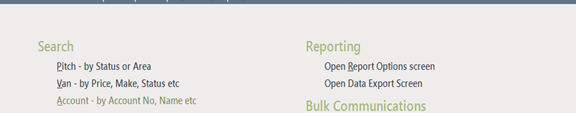
From the ‘Search’ section of the Home Menu, select ‘Account-by Account No, Name etc’
The ‘Find Account’ screen will be displayed.
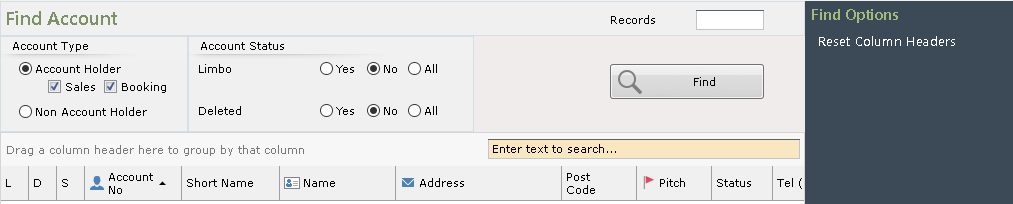
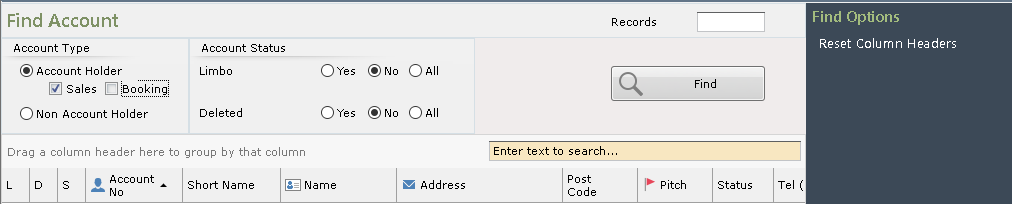
In the ‘Account Type’ field, use the drop-down list and ‘Un-tick’ the ‘Booking’ field.
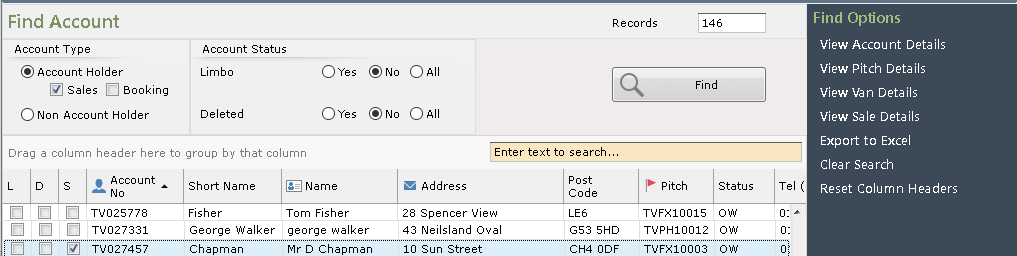
Click

The screen will display all Owners, those with current Sublet Records which are flagged as ‘Up to Standard’ will have the ‘S’ column (3rd one on the left) ‘Ticked’ to confirm they are ‘On Sublet’.
Find Sublet Owners Via The Find Sublet Screen in ParcVu Desktop
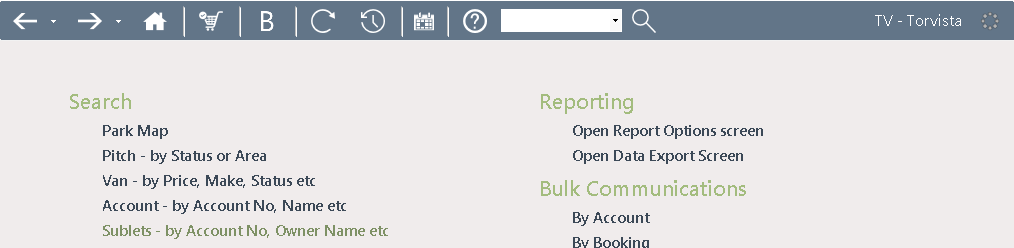
From the ‘Search’ section of the Home Menu, select ‘Sublets - by Account No, Owner Name etc’
The ‘Find Sublets/GSH’s’ screen will be displayed. It defaults to show current Year.

Click

All Owners with a Sublet Record for the selected year which is at any stage will be displayed.
