* Add a Prospect Salesman Task Diary Entry in ParcVu Desktop
Last updated 11 months ago
From the Main Menu, select ‘Prospect’ and the ‘Find Prospect’ screen is displayed.

Search for the required Prospect using the search fields displayed and then click
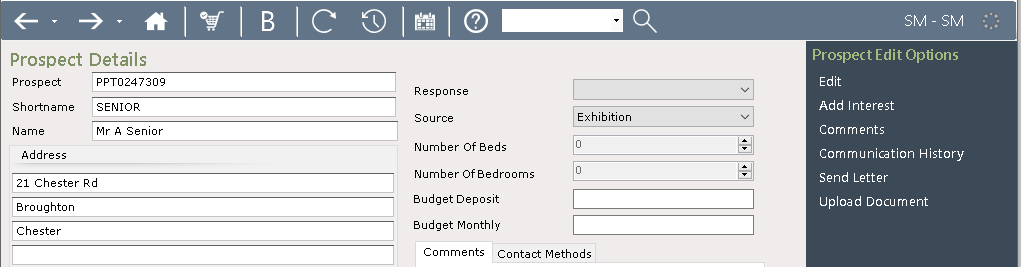
Select the required prospect from the list displayed by double clicking on it and the select Prospect details screen will be displayed.
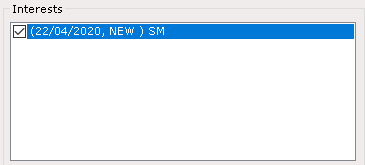
Double click on the interest
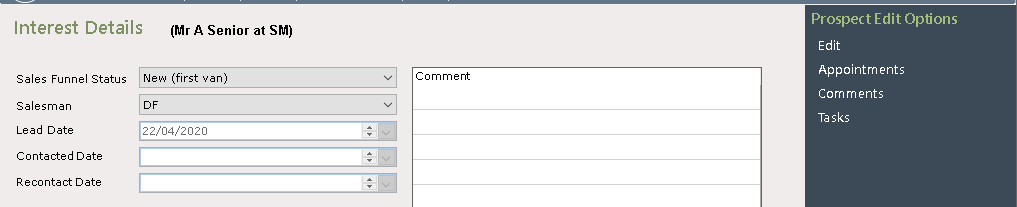
Double click on the ‘Interest’ line and the Interest Details screen will be displayed select ‘Tasks’ from the Navigation list on the right and then select ‘Add Task’
Note: there must be a Salesman Assigned to the Interest to be able to ‘Edit’ and ‘Add’ task and appointments etc.
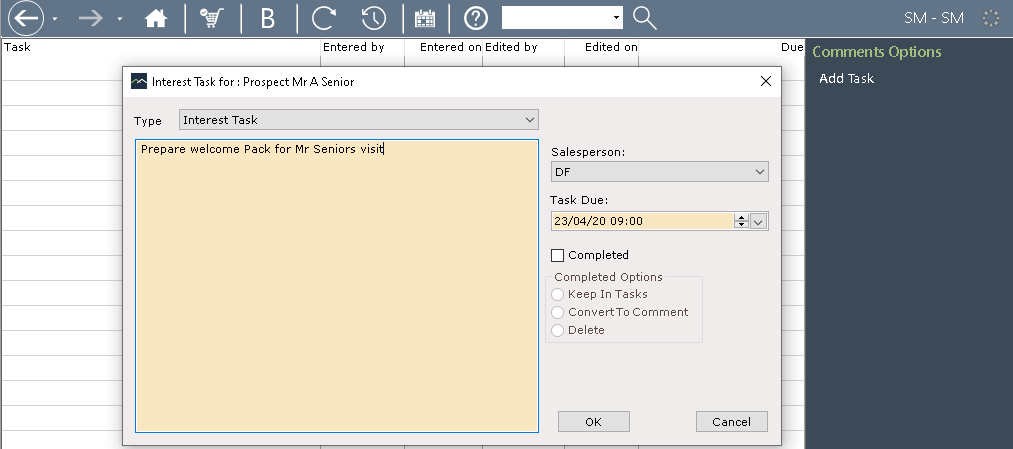
Enter the required Task details on the popup screen displayed, set the ‘Task Due’ date and time and click ‘OK’
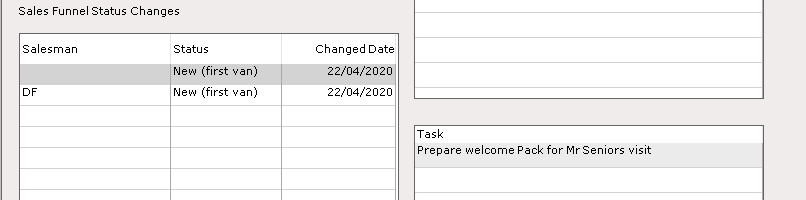
The entry will now show in the Tasks screen and on the Interest details screen.

It will also show in the ‘Task’ section on the Prospect Details screen
The entry will now also be shown on the Prospects Diary.
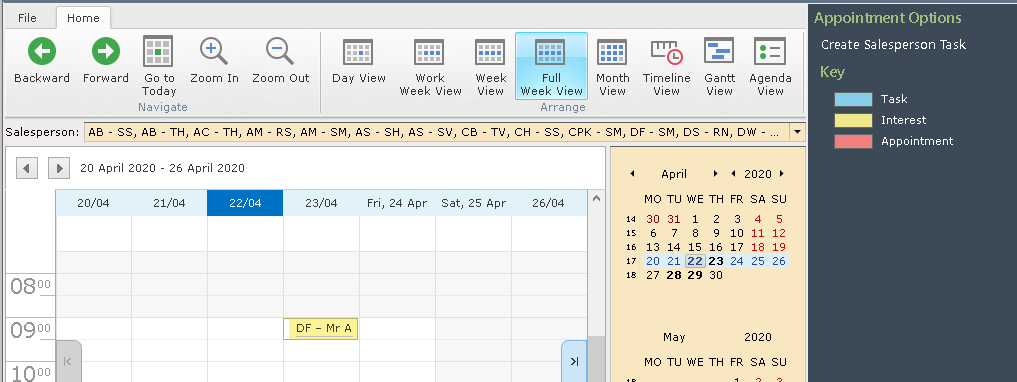
NOTE: This task will now be attached to this Prospect