☑️ Create a Web Activation Code in ParcVu Desktop
Last updated About 1 year ago
Navigate to the required Owners Account Details screen and select ‘Set Web Activation Code’ from the Navigation list.
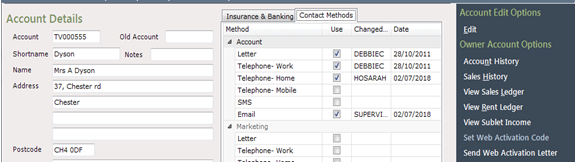
This action will have created the ‘Web Activation Code’ behind the scenes
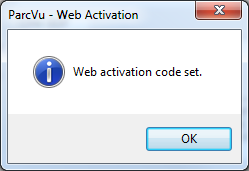
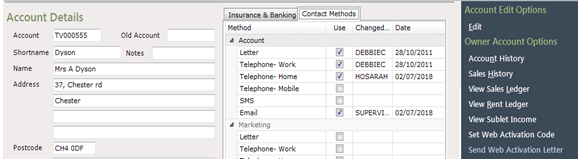
Click ‘OK’ to the popup message displayed, and then select to ‘Send Web Activation Letter’ on the Navigation list.
Was this helpful?
Still need help? Share an idea