☑️ Send Web Activation Letter in ParcVu Desktop
Last updated 11 months ago
There must be a Web Activation Code Letter Template set up in Maintain Templates to use this function
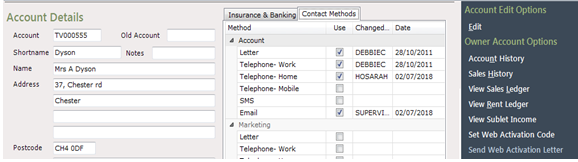
Select ‘Send Web Activation Letter’ from the Navigation list.
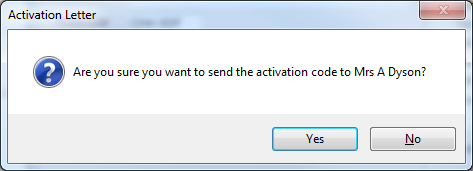
Confirm ‘Yes’ to Activation Letter message.
The Print pop up will be displayed, select, the printer to send the letter to, and click ‘Print’
The Letter will have been sent to the printer.
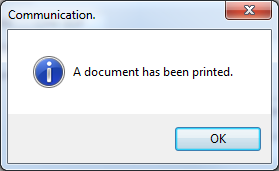
Click ‘OK’ to finish.
The Letter will contain the Web Activation Code created, that the Owner will need to use to register online
It is also possible to send the codes via email - choose the normal Send Email option from the navigation menu on the account, and select your Web Activation Code Letter template. You must have an email template set up for Web Activation Code to use this function
Sending Web Activation Letters in Bulk
It is possible to use the Bulk Communication – By Account process to send the ‘Web Activation Code Letter’ to ALL Owners at a Park
Before this can be done each Owner must have a Web Activation Code set. If you haven’t previously had an Owner Portal and aren’t sure if there are codes present, please contact ParcVu Support to check the database.