☑️ Setup New Roles in ParcVu Desktop
Last updated 9 months ago
To access this area of the system the user will need either need the Supervisor Account or to have the Superuser and Allow System Maintenance Menu user permissions
Roles allow you to assign Rights to a user in bulk - it’s an easier way to manage permissions where you have groups of Users who need the same type of access. For example, you might set a Role for Reception Team Member, which you can assign to any User who works in reception
Go to System Maintenance Sub Menu > Maintain Users > Role Maintenance
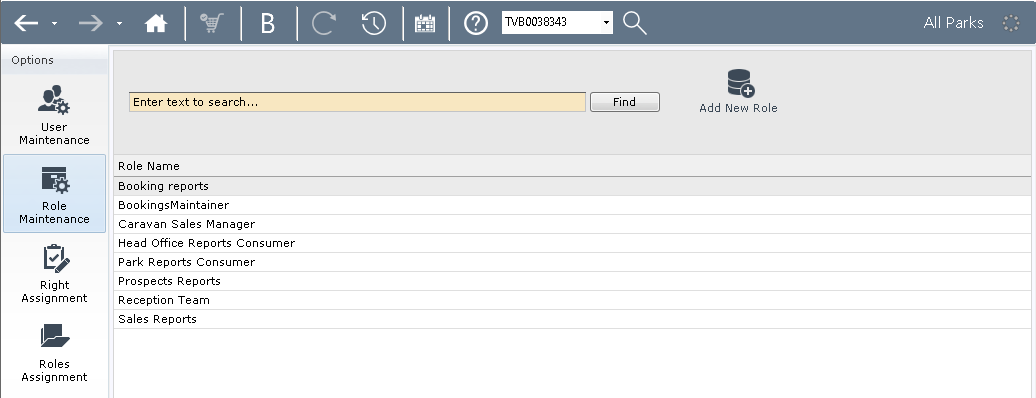
The list of current Roles will be displayed
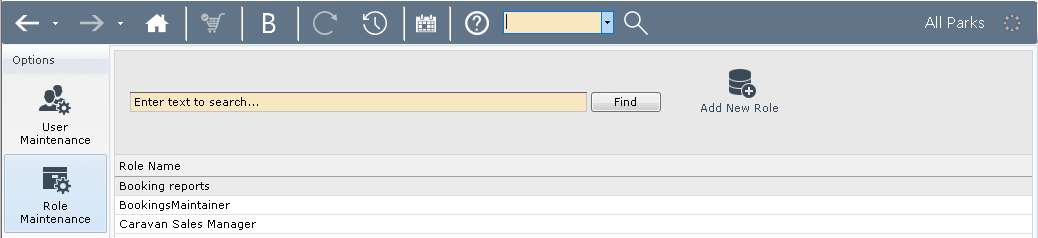
To add a new Role, Select ‘Add New Role’ at the top of the screen.
In the Pop Up screen, enter the Role Name and then add all required Rights
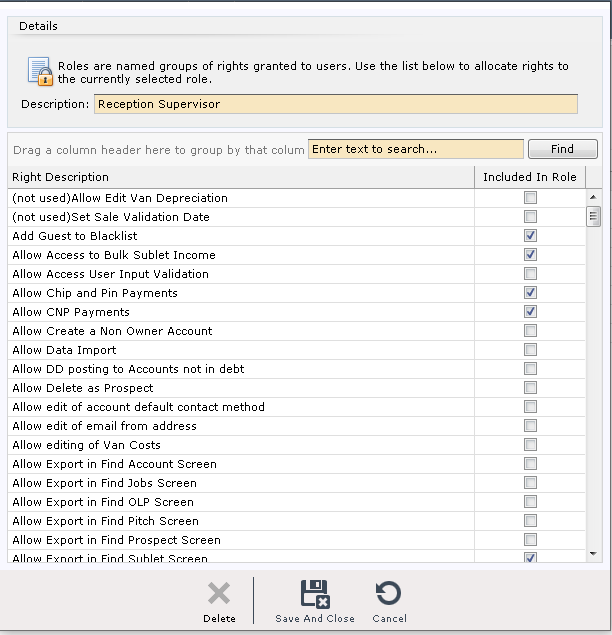
Select ‘Save & Close’