☑️ Authorise an OLP Record in ParcVu Desktop
Last updated About 1 year ago
The Authorise Closure of Account permission is required to complete this process
Select the ‘Authorise Owner Leaving Park’ option on the navigation list.

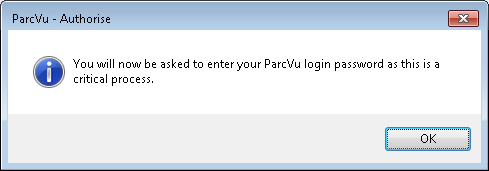
Click ‘OK’ and the ParcVu login screen will be displayed, enter your login details and click ‘OK’
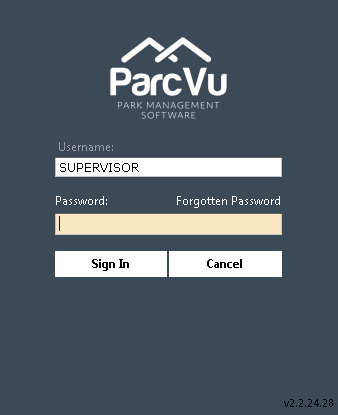
The OLP Record will then be automatically updated to ‘Authorised’ status.

Once an OLP is Authorised, it cannot be edited. If changes are required, the OLP must be Rejected
Once Authorised, the OLP must be Completed
Was this helpful?
Still need help? Share an idea