☑️ Delete Van Images via the Manufacturers & Models screen in ParcVu Desktop
Last updated 9 months ago
To perform this action, the User will need the permissions Allow Access Models and Manufacturers Screen and Can Delete Van Images
To Delete a Van Image click on the Manufacturer / Model Name in the list to highlight it, then select ‘Images’ from the Navigation list on the right of the screen and the Available Images screen will be displayed.
Select ‘Images’ from the navigation list.

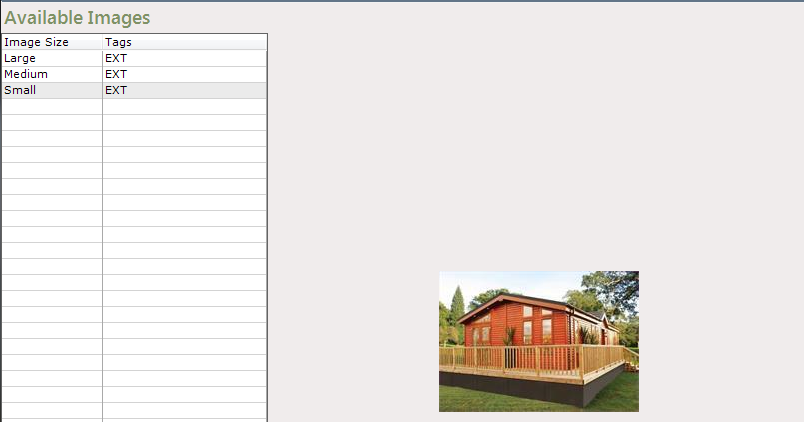
The available images screen will be displayed, click on the image to be deleted on the list on the left and select ‘Delete Image’ from the navigation list.
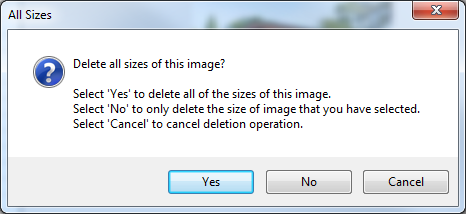
Select the required image(s) to be deleted from the popup message displayed.
The selected Image(s) will then be removed from the list.