Troubleshooting Logging in to ParcVu Online
Last updated 3 months ago
To access ParcVu Online, the user must have the Allow Access ParcVu Online permission
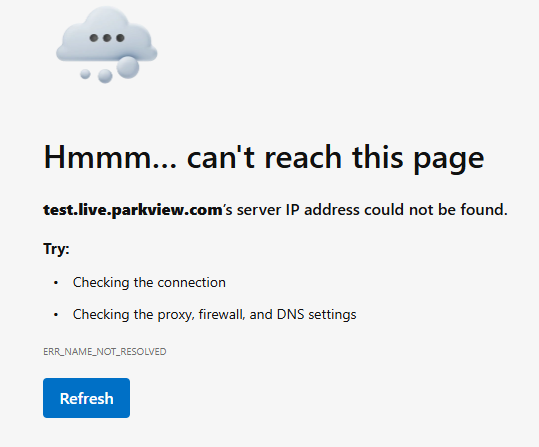
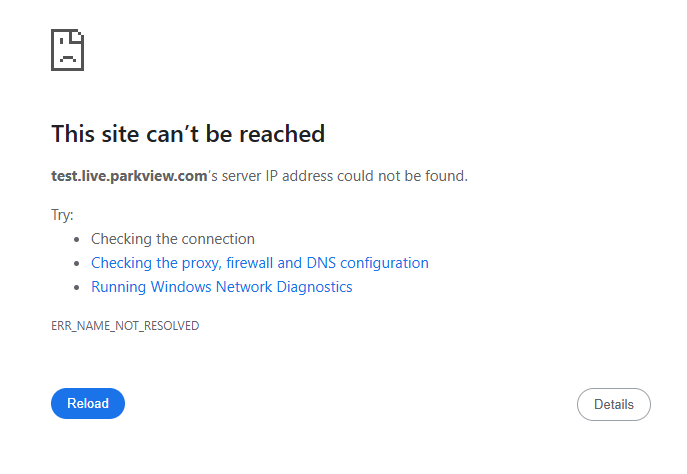
Server IP Not Found
Depending on your browser, you might see different wording, but if you get a message like “server IP address could not be found”, you should check
You have an active internet connection (try going to any other website to check)
You have spelled the URL for your ParcVu Online correctly (in the examples below it has been spelled “parkview” instead of “parcvu” but you should also look out for typos)
Could Not Authenticate User
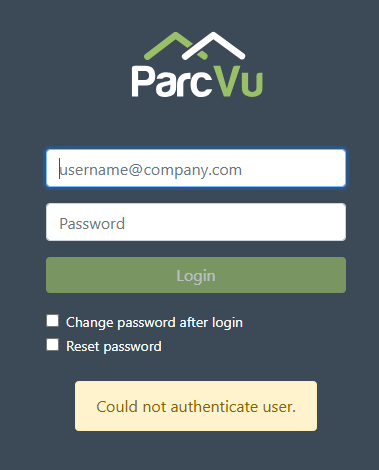
The ‘Could not authenticate user’ message means either;
You are trying to login with an expired or deleted user
Your Internal ParcVu Administrator can check this by going to System Setup > User Maintenance > Users and checking your user Account for locked or expired flags, and including ‘all’ in the ‘Active’ search to include deleted users
You have entered an incorrect password
ParcVu Support do not have access to these passwords - you can use the Reset Password option, or contact your Internal ParcVu Administrator to manually change the password for you
You are trying to login with an invalid email address
Check for any spelling mistakes in the email address you have entered
Ask your Internal ParcVu Administrator to check they’ve correctly entered your email address against your User
You are trying to login with an email address associated to more than one account
Email addresses must be unique, the same Email cannot be used for more than one user - check for any duplicates, including deleted users
The system is currently unable to send emails as your SMTP settings are not correct
You can test this out by going to System Settings > Configuration Settings > Client Configuration > Actions > Test Email
If none of your users are able to login to ParcVu Online, this suggests your SMTP settings are the problem, you can do the same check to confirm this in the Desktop in System Maintenance Sub Menu > Client Configuration > Send Test Email
If you get an SMTP error on the Test Email, please contact your IT Support Partner, advise them of the time you get the error and they should be able to help - ParcVu Support cannot resolve SMTP errors, these are happening in your SMTP server and we do not have access to this
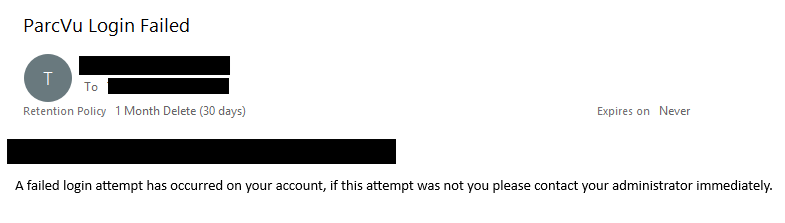
If you enter an invalid password, you’ll get a notification email that there was a failed attempt to log in to your Account. If you get an email like this and are not currently trying to log in, contact your Internal ParcVu Administrator immediately
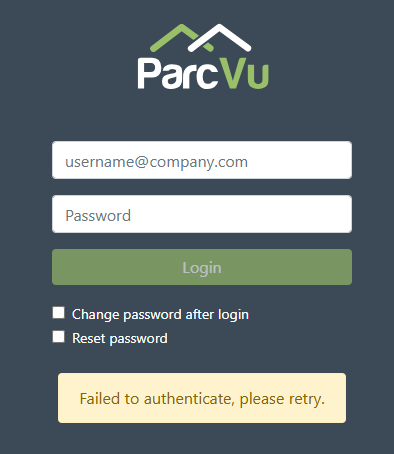
Failed To Authenticate, Please Retry
The ‘Failed to Authenticate, please retry’ message means either
You are trying to use an expired MFA Code
You have entered an invalid MFA Code
Re-enter your Email and password, and a new code will be sent to you
You should contact your Internal ParcVu Administrator to resolve any login issues - ParcVu Support does not have access to your Passwords and cannot access your SMTP servers