☑️ Delete a Van Image in ParcVu Desktop
Last updated 9 months ago
To perform this function, the User will require the Can Delete Van Images permission
Navigate to the required Van Details screen and select ‘View Images’ on the navigation list.
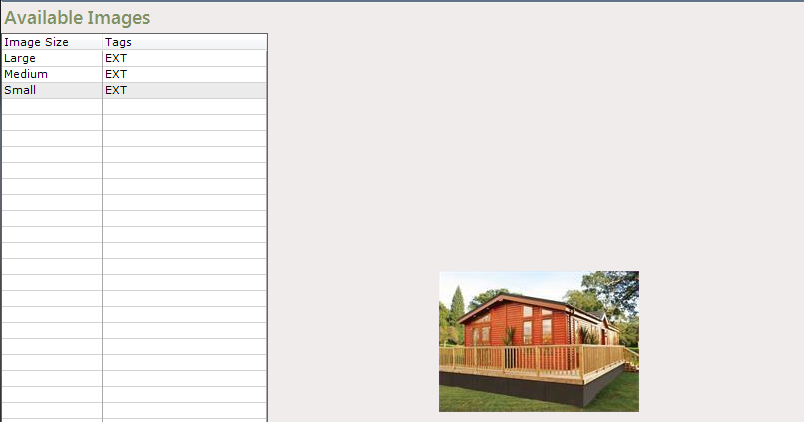
The available images screen will be displayed, click on the image to be deleted on the list on the left and select ‘Delete Image’ from the navigation list.
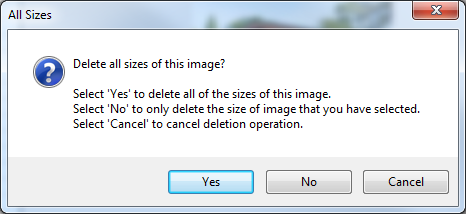
Select the required image(s) deletion requirement from the popup message displayed.
The selected Image(s) will then be removed from the list