☑️ Reassign Interests in ParcVu Desktop
Last updated 9 months ago
To access this area of the system, the User will need the permissions Allow System Maintenance menu and Can Reassign Prospects
It’s sometimes necessary to reassign the Interests (leads) from one salesperson to another, for example when a salesperson leaves. It’s possible to do this in bulk
Go to System Maintenance Sub Menu > Reassign Interests
Use the filters to find the Interests which need to be reassigned

The results will be returned on the screen, select the required Interests to reassign either by clicking in the ‘Select’ column or using the options at the bottom of the grid
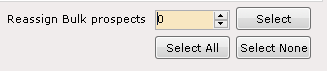
Select the required Salesperson to reassign the Interests to from the drop-down list at the bottom of the grid

Select ‘Reassign’ on the navigation list

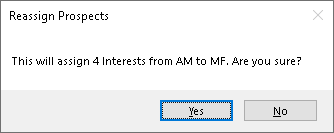
Confirm ‘Yes’ to the Reassignment pop up message
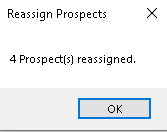
Click OK to the confirmation message and the Reassignment is complete.