☑️ Edit a Prospect in ParcVu Desktop
Last updated 9 months ago
The User will require the permission Can Use Prospects to use this function
From the Main Menu, select ‘Prospect’ and the ‘Find Prospect’ screen is displayed.

Search for the required Prospect using the search fields displayed
Select the required prospect from the list displayed by double clicking on it or click on it and select ‘View Prospect’ from the Navigation list on the right.

The current details for that prospect will be displayed, select ‘Edit’ from the Navigation list on the right and make the required changes or additions to the details.
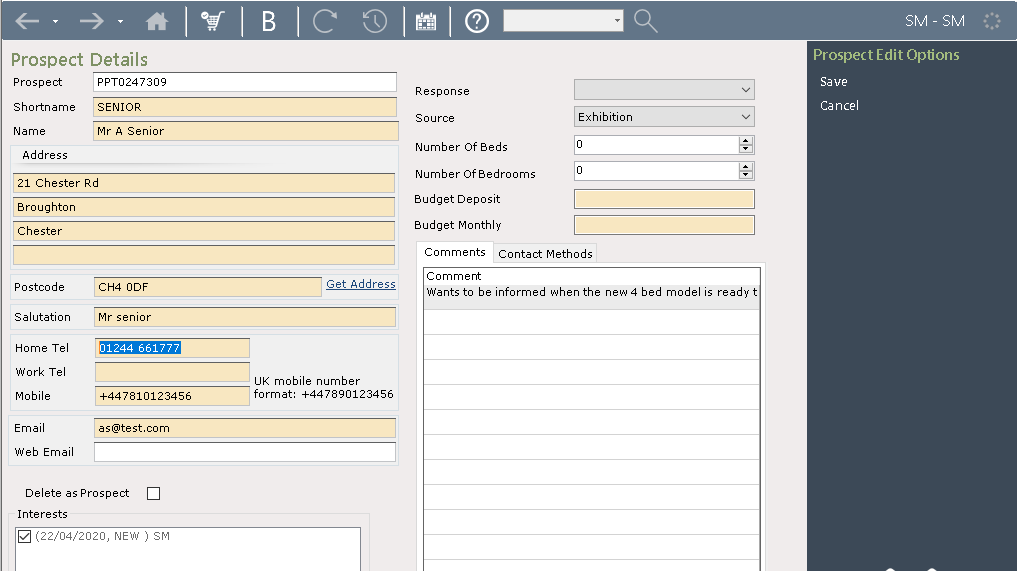
When complete, select ‘Save’ from the Navigation list on the right. The new details will now be saved to the system.