☑️ Bulk Print Receipts in ParcVu Desktop
Last updated 8 months ago
To access this function, the user will need the Allow Ledgers sub-menu permission. This option will be greyed out if the user does not have the correct permissions
From the ‘Ledgers’ section of the Main Menu, select ‘Print/Email Receipts’.

All ‘Receipts’ that have been requested by Park Users and Head office users will be displayed, make sure you only select your own Receipt(s) from the list by clicking into the field at the side to ‘Tick’ & Select’ it.
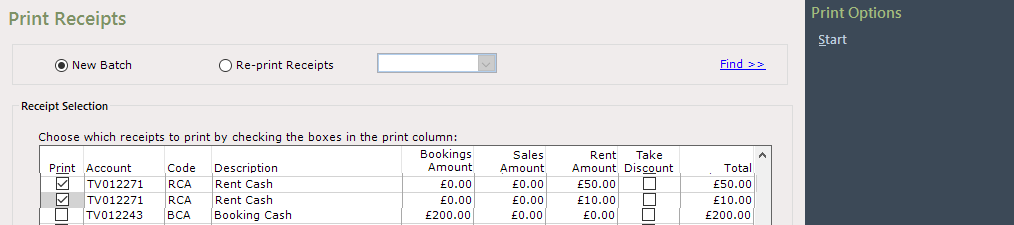
Select ‘Start’ from the Navigation list on the right and select the Printer to send the Receipt(s) to, a message will confirm that the receipts have been printed. The receipts will no longer appear in the list.
Click on the arrow to return to the Menu.
