☑️ Post Chip & PIN Card Payment in ParcVu Desktop
Last updated 8 months ago
ParcVu offers an integration with Opayo to allow Chip & PIN Card payments to be processed from within ParcVu, so that payments are allocated directly to the Customer ledger
To use this function, the user must have the Allow Chip and Pin Payments permission. The option will not be displayed if the user does not have the correct permissions
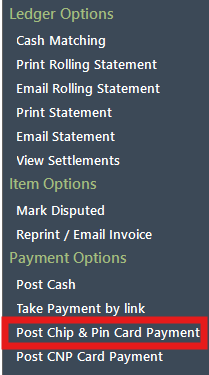
Select ‘Post Chip & Pin Card Payment’ from the navigation list on the right of the screen.
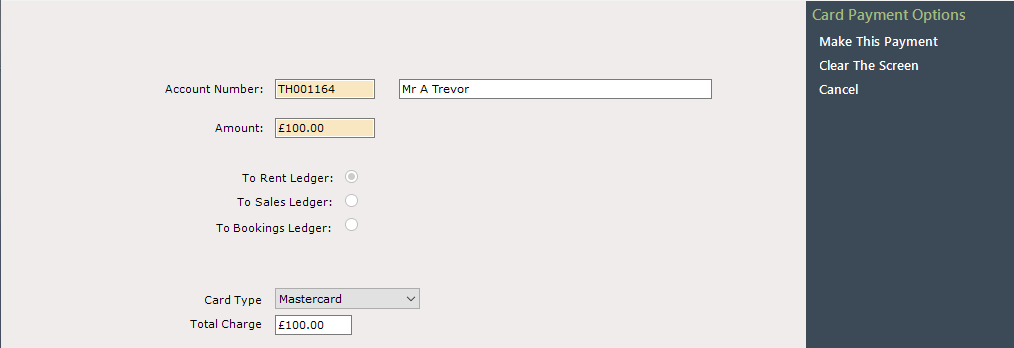
The Card Payment – Chip & Pin Screen will be displayed, select the invoices to pay, or enter the payment amount and select the card type from the drop down list in the ‘Card Type’ field. Select ‘Make this Payment’ on the navigation list
To free type a payment amount for Rent and Bookings ledgers, the user will need the Allow Any Payment Amount - Rent and Allow Any Payment Amount - Bookings permission
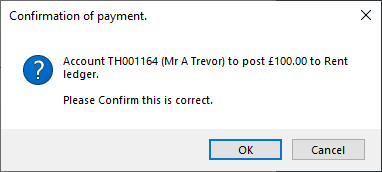
A Confirmation message will be displayed, if all is correct click ‘Ok’
Follow the instructions on your screen/ the Chip & Pin machine.
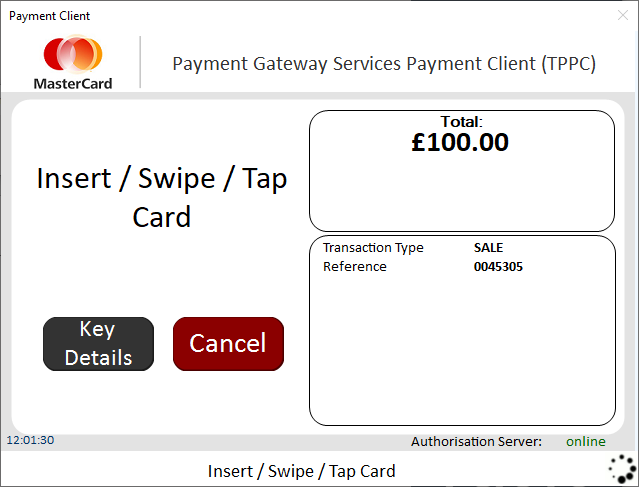
Ensure the Credit Card is in the Chip & Pin machine, when instructed, ask the customer to enter their Pin Number.
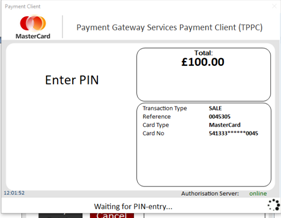
The transaction will show as ‘Approved’ if the payment is successful
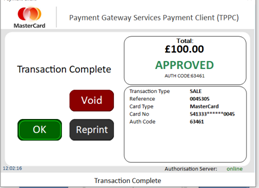
Clicking ‘OK’ will print the receipt.
The Payment amount will now show on the selected Ledger.