☑️ The Sales Manager Dashboard in ParcVu Desktop
Last updated 11 months ago
To access this dashboard, the user will need the Allow Access to Sales Manager Dashboard user permission
There is an option on the top tool bar to select to go into the Jobs/Sales/Owners Dashboards.

Once selected the Dashboard will be displayed, click on the Sales Manager tab. This will show totals of various Sales, Quotes stats and Prospect Appointments etc. by Status.
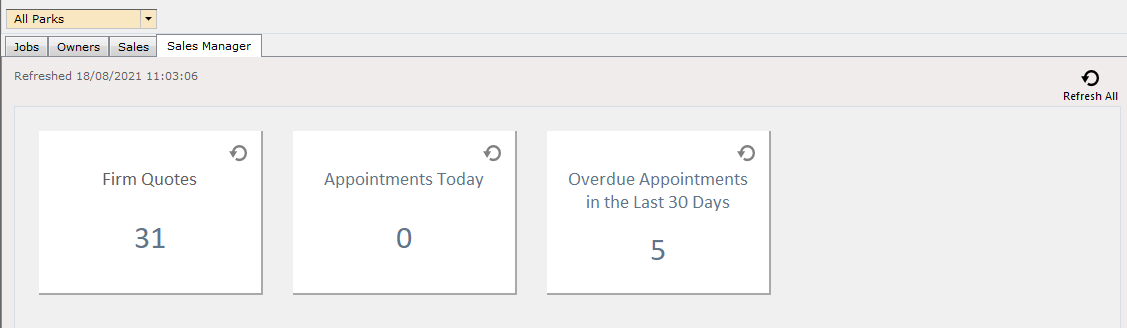
Clicking on one of the tabs will display a list of the records that meet those criteria
Clicking on an entry line in the grid will when allow you select the required action from the navigation list.
