Reports in ParcVu Desktop
Last updated 4 months ago
Each report has it’s own User Permission - if you’re not able to see a Report, ensure you have the corresponding User Permission
To access the Reports Menu, select Open Report Options Screen on the Main Menu

The Report Menu will then be displayed.
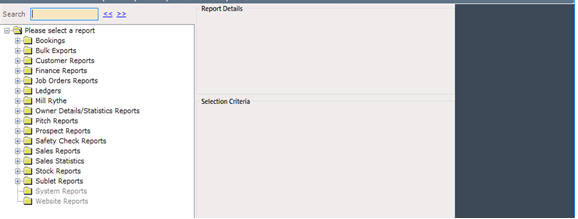

Click on the on the left of Bookings and the Booking Reports menu will be displayed.
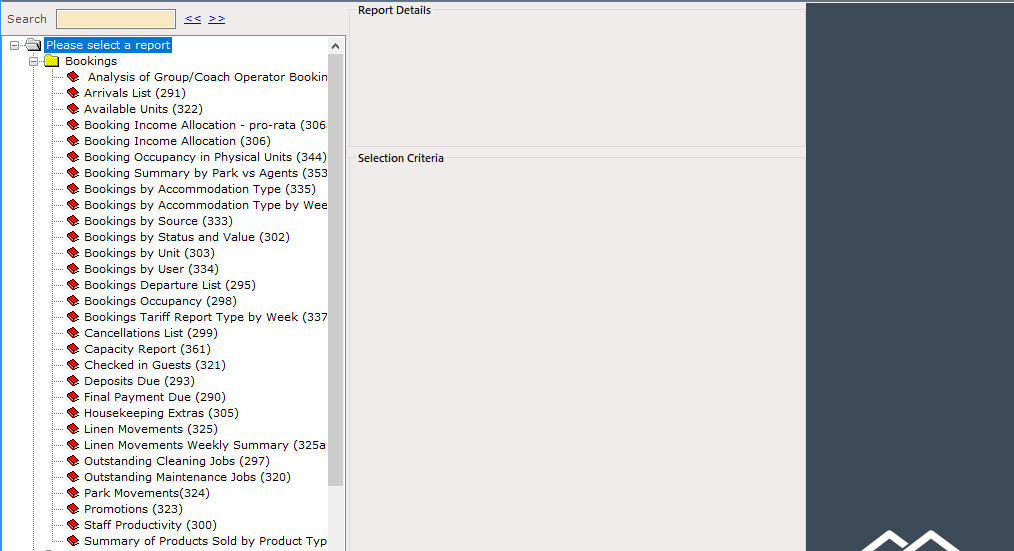
You can search for reports by Report Number or keyword using the yellow search bar above the report catalogue