Edit a Finance Company in ParcVu Desktop
Last updated About 2 months ago
System Maintenance is Now Available in ParcVu Online!
This function is now available in ParcVu Online! For the best user experience, we recommend switching to ParcVu Online to ensure you always have access to the latest features. Find out more about Finance Companies in ParcVu Online here: Add a Finance Company in ParcVu Online
Continue in Desktop
Go to System Maintenance Sub Menu > Maintain Maintain Finance Companies
Click on the required Company and select Edit from the Navigation list on the right.

The ‘Finance Company’ details will be highlighted at the bottom of the screen.
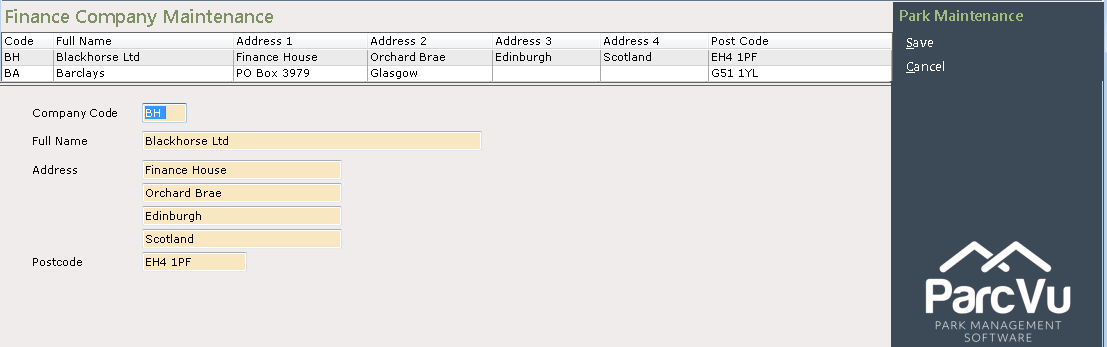
Add, Delete or Change the details as required and then select ‘Save’ from the Navigation list on the right.

The new details will now be recorded on the system.
Was this helpful?
Still need help? Share an idea