☑️ Cancel a Completed Off-Site Sale in ParcVu Desktop
Last updated 8 months ago
Only the SUPERVISOR user can perform this action
When an Off-Site Sale is ‘Completed’, the system will automatically flag the Van as in ‘Limbo’ and ‘Deleted’
If there is a need to ‘Cancel’ a completed Off-Site Sale, then the Van involved must first be ‘Re-instated’.

To do this, navigate to the required Sales Details screen, select the ‘Reinstate Van’ option on the Navigation list.
The ‘Select Vacant Pitch’ pop up will be displayed, open up the tree for the required Area and click on the required Zone, any Vacant Pitches will be displayed.
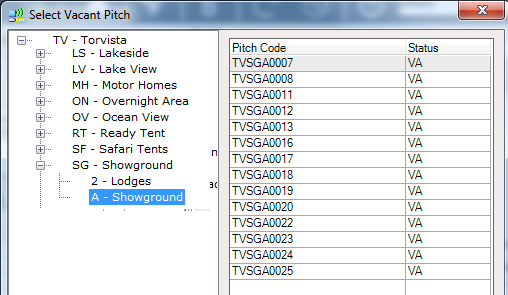
Select ‘OK’ and the ‘Reinstatement’ pop up will be displayed.
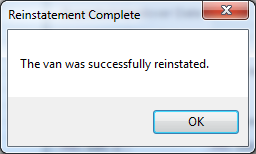
The Off-Site Sale can now be Cancelled by selecting ‘Cancel Sale’ from the navigation list on the sale in the usual way.