Search for a Prospect in ParcVu Desktop
Last updated 3 months ago
Find Screens are Now Available in ParcVu Online!
This function is now available in ParcVu Online! For the best user experience, we recommend switching to ParcVu Online to ensure you always have access to the latest features. Find out more about the customisable and exportable Find Screens in ParcVu Online here: Find Screens in ParcVu Online
Continue in ParcVu Desktop
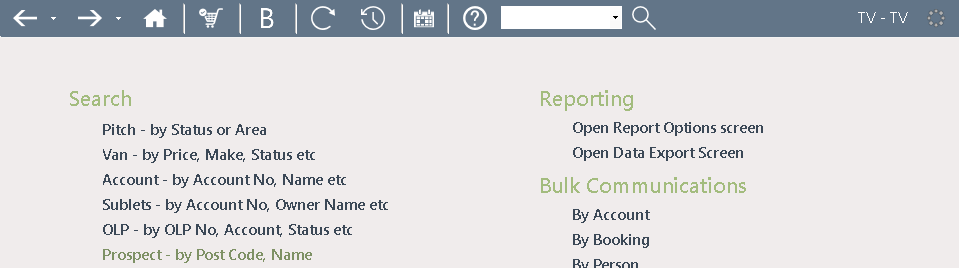
Selecting this option from the Main Menu will display the ‘Find Prospect’ screen
Any of the displayed options at the top of the screen can be used to search for the required Prospect. The free text field can be used to search for a prospect by Name, enter the Shortname/Surname into the field, or enter the Sale (make sure all other fields are blank) and then click find
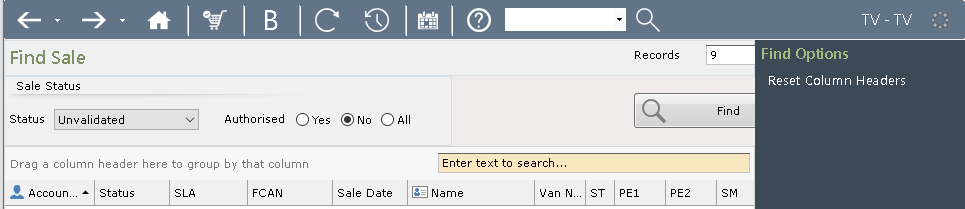
The column headers can be dragged and dropped to group search results
Click on the required Prospect in the list to highlight it and select ‘View Prospect’ from the Navigation list on the right.
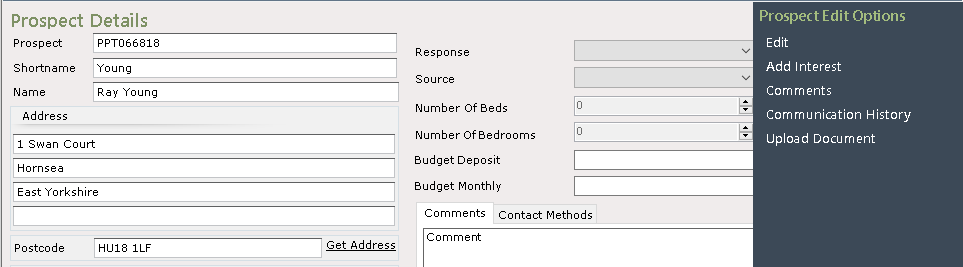
The Prospect details will be displayed, and further options are available from the Navigation list on the right.