☑️ Selling A Fixed Asset Van in ParcVu Desktop
Last updated 8 months ago
To use this function, the user will need the Switch Stock and Fixed Assets permission
Only designated users have the necessary permissions to change the status of a Fixed Asset Van, i.e. Hire Fleet or Staff Vans.
To change the status of a Fixed Asset so that it can be sold:
Select the Park that you require from the ‘All Parks’ drop-down list
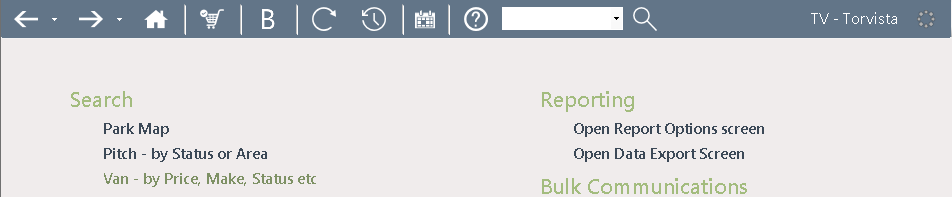
Once the required Park is selected, from the Main Menu, select ‘Van’
The ‘Find Van’ screen will be displayed. (Use one of the ‘Find Van’ search Options to locate the required van). Either type in the CSN- Caravan Stock Number of the Van you require or alternatively in the ‘Pitch Status’ field, just select either ‘Hire Fleet’ or ’Staff Van’ from the Drop Down list, ensure the correct Radio Buttons are selected, and then click Find>>
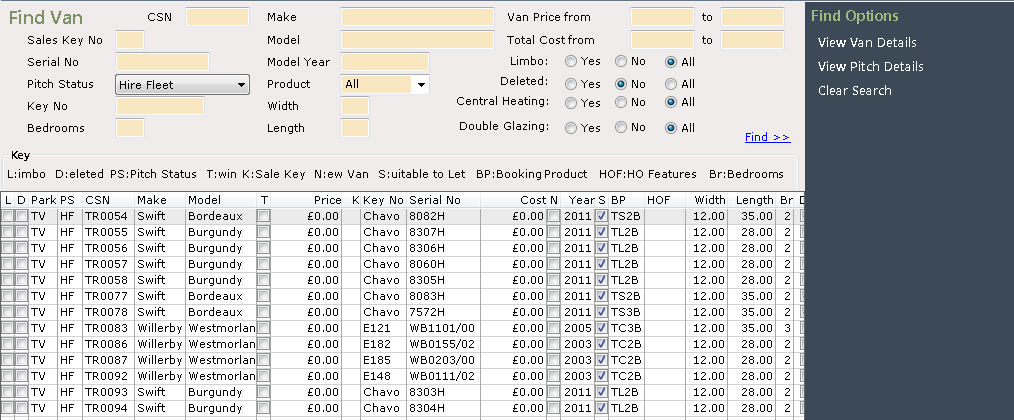
All the Vans of the selected ‘Pitch Status’ will be displayed. Click on the required Van to highlight it and then select ‘View Pitch Details’ from the Navigation list on the right-hand side of the screen.
The ‘Pitch Details’ screen will be displayed showing ‘Hire Fleet’ in the ‘Pitch Status’ field, click on ‘Alter Status’ from the Navigation list on the right-hand side of the screen.
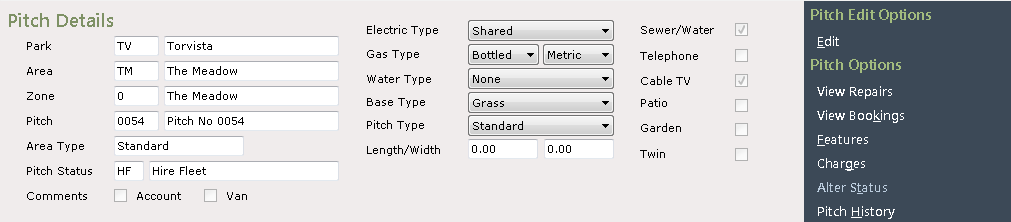
Prior to doing this, the van should be checked to see if there are any future Bookings still assigned to it, if there are, these Bookings MUST be re assigned to other available units
Select ‘SA-Sales Van’ from the list displayed.

If the unit is being sold off site, this can be done without needing the status change to SA, by selecting the Off Site Sale option
Click ‘Next’ and the ‘Finish’ and the ‘Pitch Details’ screen will be displayed again, this time showing the ‘Pitch Status’ as ‘Sales Van’
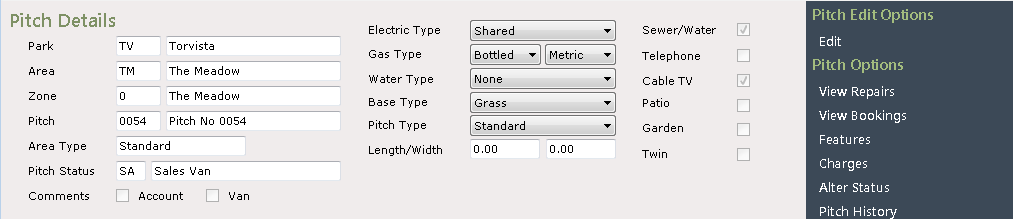
Click on ‘View Van details’ on the Navigation list on the right of the screen.
The ‘Van Details’ screen will now be displayed, showing that the ‘Source’ of the Van has now been changed to ‘Ex Hire Fleet’
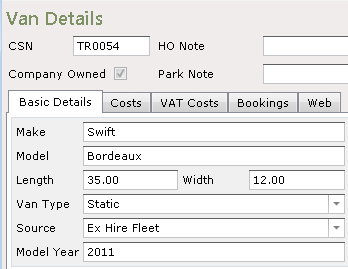
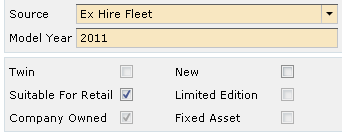
For the Van to be able to be sold, the ‘Suitable for Retail’ flag needs to be set. To set this, click ‘Edit’ from the Navigation list on the right of the screen, click into the ‘Suitable for Retail’ box to tick and flag it and then click ‘Save’.
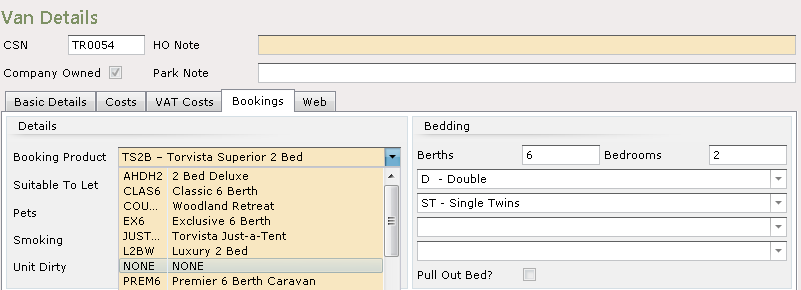
Click on the ‘Bookings’ tab, select ‘Edit’ and set the Booking Product to ‘NONE’, click ‘Save’.

Check the Van Costs on the tab and amend as appropriate.
The van is ready to be Sold