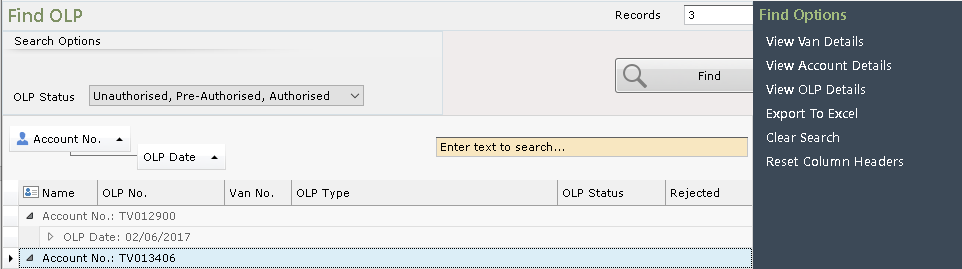
☑️ Search for an OLP (Owner Leaving Park Form) in ParcVu Desktop
Last updated 7 months ago
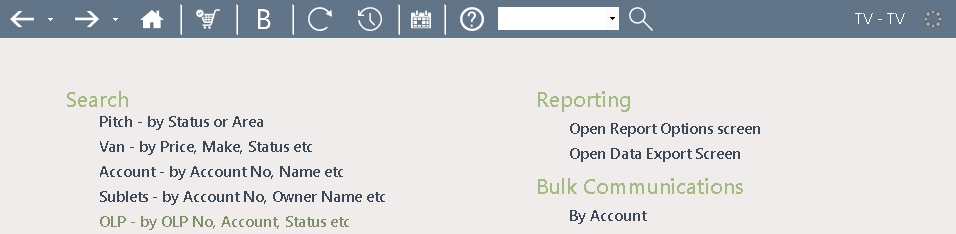
Selecting this option from the Main Menu will display the ‘Find OLP’ screen
Use the OLP Status and free text field to filter the results as required, click ‘Find’ and the results will be displayed.
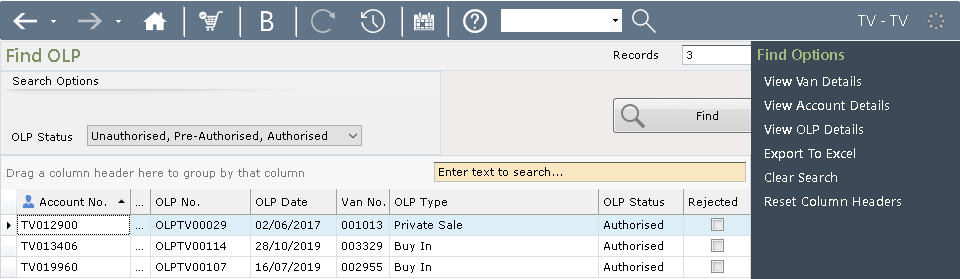
Click on the required OLP in the grid to highlight your choice and select ‘View OLP Details’ from the Navigation list on the right-hand side of the screen, or double click on the highlighted Account and the ‘OLP Details’ screen will be displayed.
The column headers can be dragged and dropped to group search results