☑️ Add a Finance Company in ParcVu Desktop
Last updated 10 months ago
The Finance Company menu allows you to add the Finance Companies that are available for your customers to use when purchasing a Holiday Home. Accurately tracking finance information when running sales is key to ensuring your liability is tracked and to enable your team to get accurate settlements with ease
Go to System Maintenance Sub Menu > Maintain Maintain Finance Companies


Select Add Finance Company from the Navigation list on the right.
Enter a ‘Code’ for the Company (this could be Company Initials) then enter the Company Name and Address details.
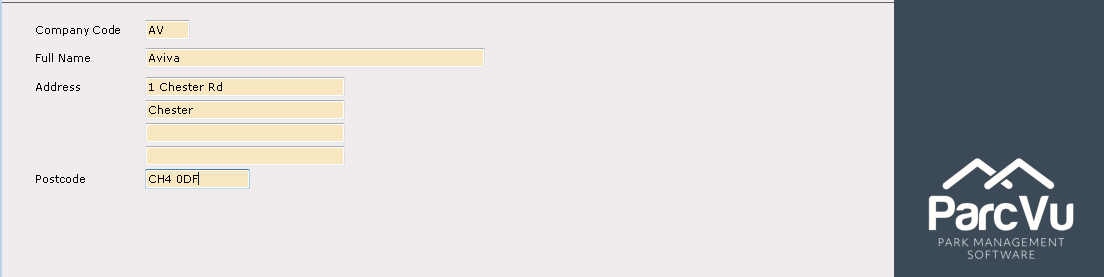
Select Save from the Navigation list on the right and the New Company details will now be recorded on the system.
