The Home Screen in ParcVu Online
Last updated 3 months ago
The Home Screen in ParcVu Online can be accessed from anywhere by clicking the ParcVu Logo
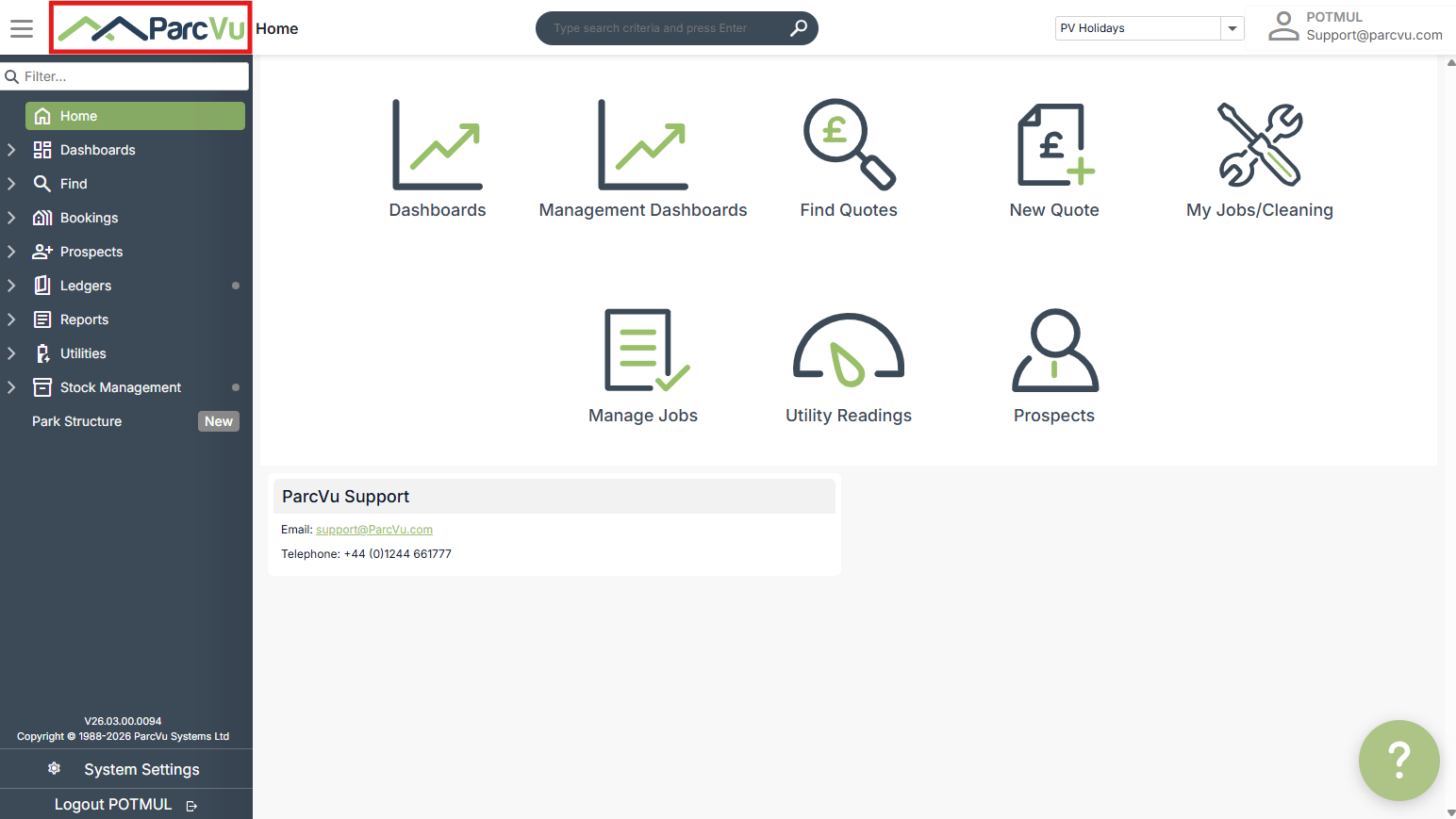
The Header Menu in ParcVu Online
The Header Menu is available from anywhere in ParcVu Online
The Header shows which function or record you’re currently in


The Global Search can be used to search for Account Numbers, Customers, Sale Numbers etc

From the Header Menu, if you have access to multiple Parks, you can change which Park you’re in using the dropdown menu

Some reporting functions are based on which Park is selected
The Navigation Sidebar Menu in ParcVu Online
The Navigation Sidebar Menu is available from anywhere in ParcVu Online, making it easier to navigate between different system areas and removing the need to return to the Home Screen each time you need to access a function
The options you see in the navigation menu will depend on the Features that you have as part of your ParcVu Online subscription, and what Permissions you have - if you don’t have the required permissions for a certain function, you won’t see it on your menu
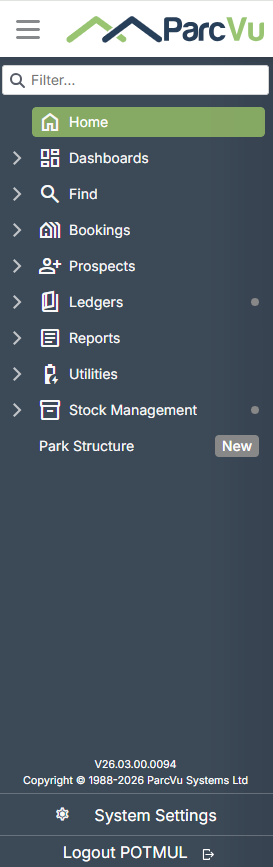
You can close the Sidebar any time by clicking the 3 horizontal lines next to the ParcVu Logo - to reopen the Sidebar, simply click it again
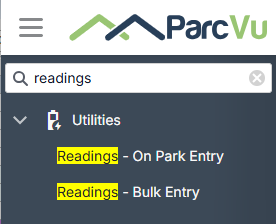
ParcVu Online has introduced the function to filter the available menu options, meaning you no longer have to click through various menus to find what you’re looking for
Logging Out of ParcVu Online
At the bottom of the Sidebar Menu, there’s an option to Logout - you should always log out when you have finished with your session, for security purposes
ParcVu Online will automatically log you out after a certain period, to minimise the risk of unauthorised access by someone using a session left open by mistake - you should still log out at the end of each day or when you have finished using ParcVu Online