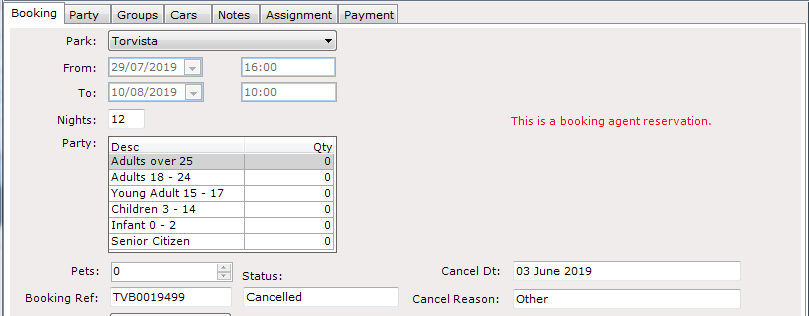
Cancel Agent Reservations in ParcVu Desktop
Last updated 4 months ago
The Agent Reservations function in ParcVu Desktop is only available to existing customers who previously signed up for the legacy ParcVu Bookings module. New subscribers will be offered enrolment in the Booking Experts module. Existing customers using legacy Bookings will be offered the opportunity to upgrade to Booking Experts - contact your Account Manager for more information
Agent Reservations can be cancelled in the same way any Customer Booking is cancelled
Find the Agent Booking using the Find Booking Screen or via the van details and select ‘View Booking’
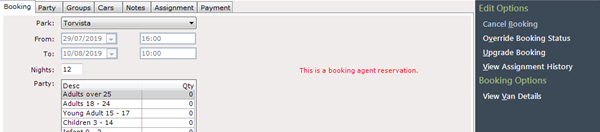
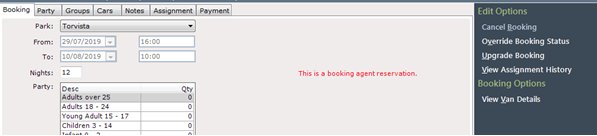
Select ‘Cancel Booking’ from the Navigation list on the right.
Select the required cancellation reason from the dropdown list on the ‘Cancel Booking’ message displayed.
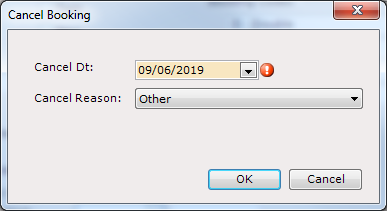
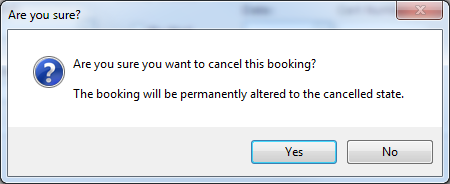
Confirm ‘Yes’ to the cancellation message.
The Agent Reserved booking will then be cancelled.