Add Party Members (Guests) in ParcVu Desktop
Last updated 42 minutes ago
The Party Members function in ParcVu Desktop is only available to existing customers who previously signed up for the legacy ParcVu Bookings module. New subscribers will be offered enrolment in the Booking Experts module. Existing customers using legacy Bookings will be offered the opportunity to upgrade to Booking Experts - contact your Account Manager for more information
It’s possible to hold some information about the guests who will be taking their holiday with you, to enable you to personalise the stay beyond just knowing who the Booker is. These guests are known as ‘Party Members’
From a Booking, in the ‘Party’ tab, you’ll see the Party Members - you can edit the information to update the Names once you have them, and add mobile and email numbers per person if desired

To add another member, select ‘Edit’ from the Navigation list in the ‘Party’ tab on the Booking Details screen, then select ‘Add Party Member’ on the navigation list
The ‘Add Party member’ popup will be displayed.
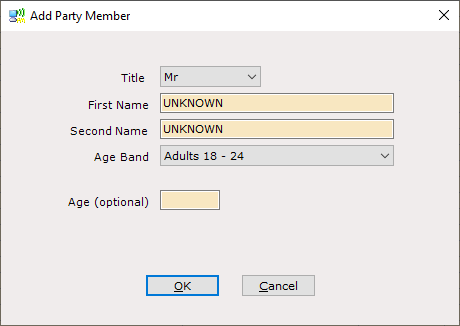
Use the drop-down lists and enter the new party member details as appropriate
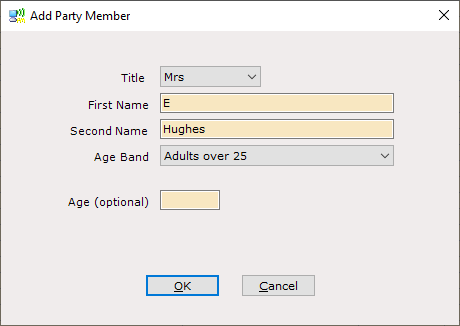
Click ‘OK’ when finished
Repeat until all required Party Members are added and select Save from the Navigation list. The Party Members will be updated on the ‘Party’ tab.