☑️ Send an Individual Email in ParcVu Desktop
Last updated 4 months ago
From a Booking Details or Owner Account screen, select ‘Send Email’ on the Navigation list.
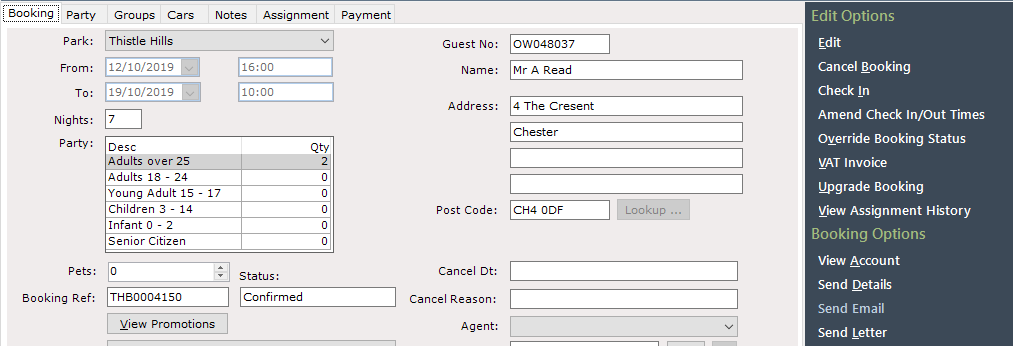
When sending ‘Booking’ Emails it is important that you select to do this from the Navigation list on the Booking Details screen, as all the information required by the selected Template will be available here. Sending a Booking Email from a Booking Account Details screen will result in missing information on the Email produced
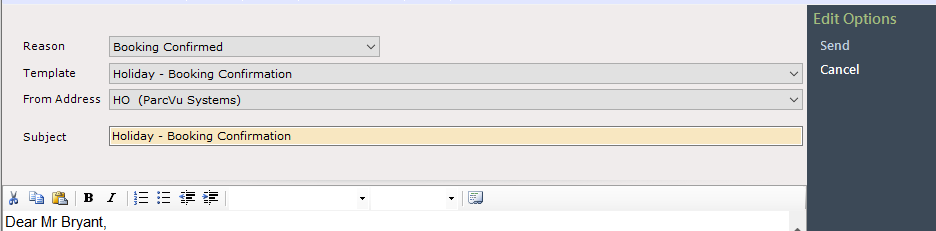
The Email Template selection screen will be displayed, select the required Template from the drop-down list.

The selected Email Template will be displayed:

Select ‘Send’ on the Navigation list.
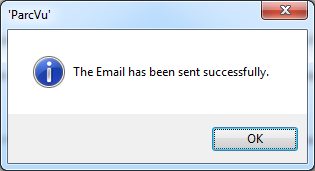
A message will confirm that the Email has been sent successfully.
This Email can be viewed again from the Communication History on the Account details screen. To view the saved document, navigate to the account details screen by clicking “View Account” and select ‘Communication History’ from the Navigation list.
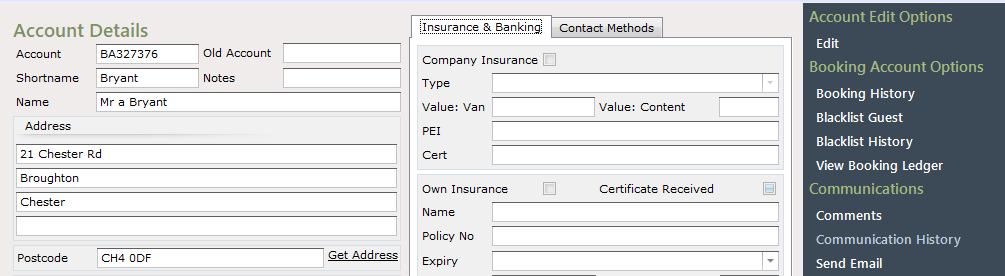
This will display all previous correspondence with the customer; any of these can be viewed by clicking on the required document in the list and selecting ‘View Email’ from the Navigation list.
