☑️Setting a Recontact Date for a Prospect in ParcVu Desktop
Last updated 9 months ago
Remember, the Prospect represents the person themselves, and their contact information. The Interest represents the ‘lead’ - the Park they’re interested in. Hence, the appointment is set against the Interest, as it relates to looking at Holiday Home Ownership at a specific Park
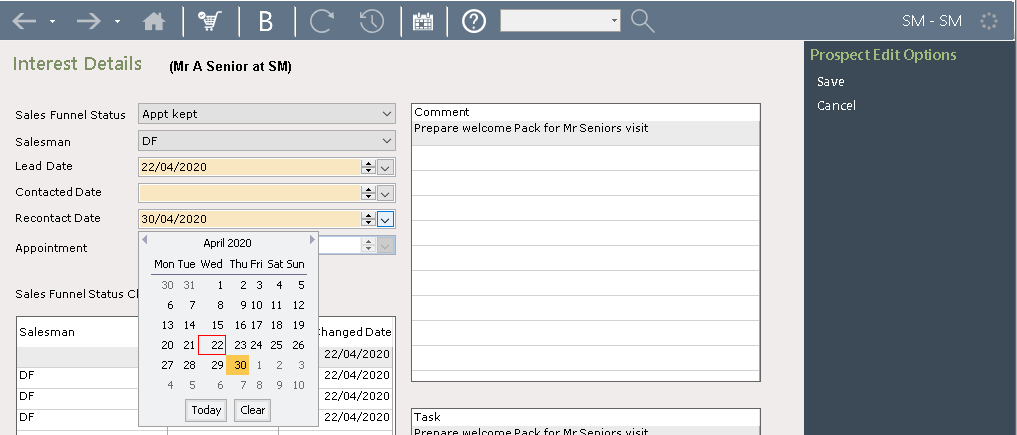
To set a ‘Recontact date’ for a Prospect, navigate to the ‘Interest’ screen and select ‘Edit’ from the navigation list. Select the required recontact date and then select ‘save’ on the navigation list