* Add a Salesman Task Diary Entry in ParcVu Desktop
Last updated 11 months ago
From the Main Menu, select ‘Prospect’ and the ‘Find Prospect’ screen is displayed. Select ‘Diary’ from the Navigation list on the right.
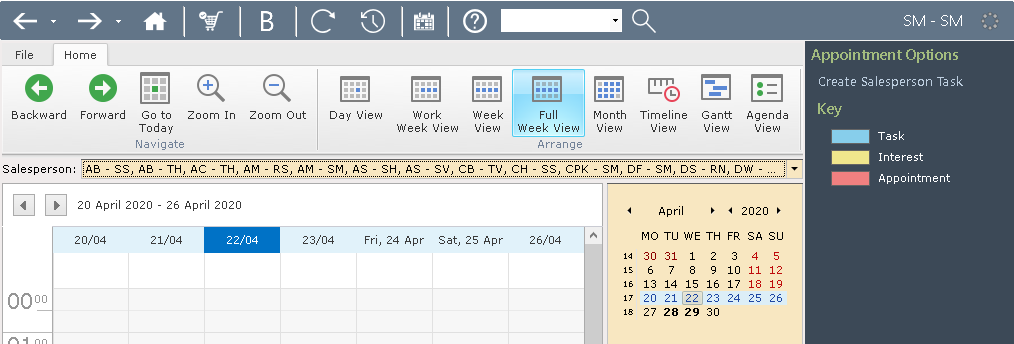
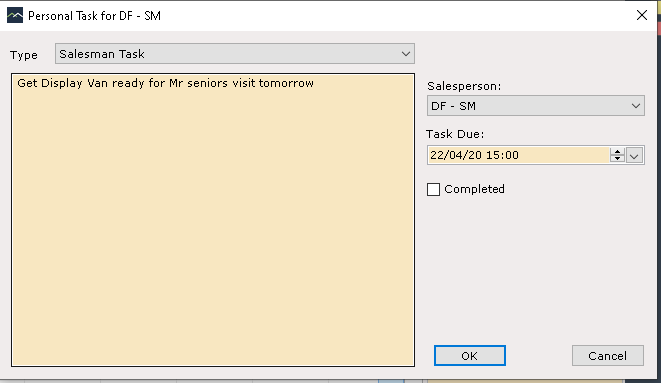
The prospects ‘Diary’ will be displayed, select ‘Create Salesman Task’ from the Navigation list on the right. On the Salesman Task popup, enter the required Salesman Task details, set the ‘Task Due’ date and time and click ‘OK’
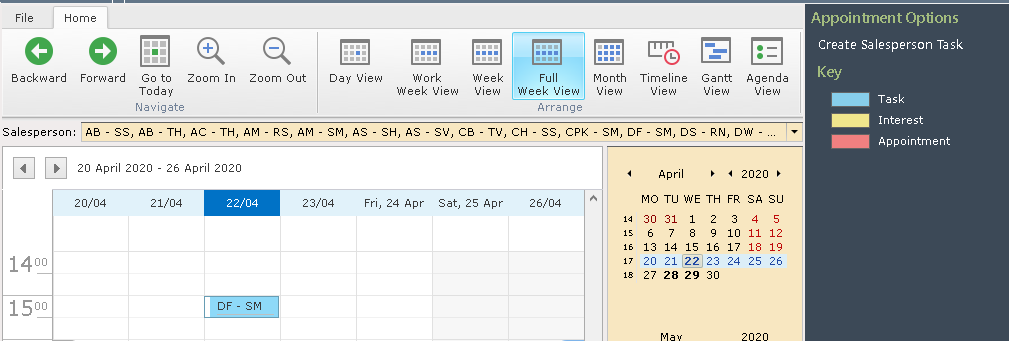
The entry will now be shown on the diary. NOTE: This method of creating a Task just creates a Salesman task which shows on the Diary, it is not connected to an individual Prospect.