Resend Existing Communication via Bulk Communications screen in ParcVu Desktop
Last updated 3 months ago
Bulk Communications are Now Available in ParcVu Online!
This function is now available in ParcVu Online! For the best user experience, we recommend switching to ParcVu Online to ensure you always have access to the latest features. Find out more about Bulk Communications in ParcVu Online here: Bulk Communications in ParcVu Online
Continue in ParcVu Desktop
To access this function, the User must have the Allow into Bulk Communications permission
It is possible to resend previously sent communications in bulk via the 'Resend Existing' option in the 'Bulk Communications' section on the home screen. This screen allows the user to search by park and date for communication that has been sent previously and allow them to resend.
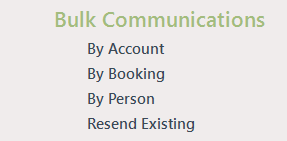

Select the required Park and Date(s) and click
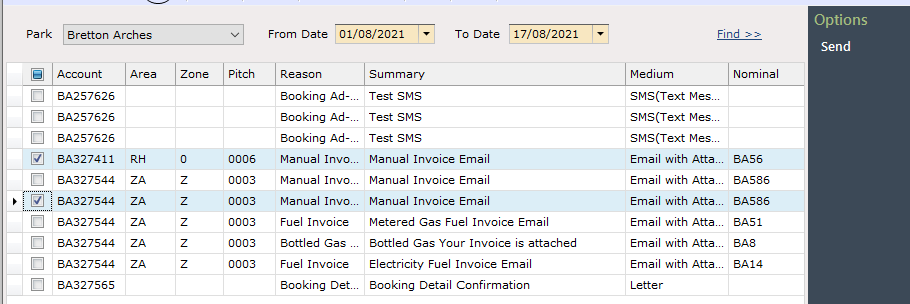
Then select the required Account(s) in the list to ‘Re-send’ the communication to.
Click ‘Send’ on the navigation list and the communications will be re sent to the selected Account(s).
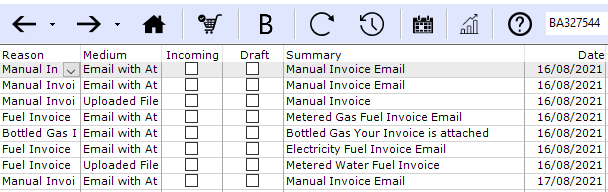
The communication will then show in the ‘Communication History’ screen on those accounts.