☑️ Post Batch Charge (Invoice) or Credit in ParcVu Desktop
Last updated 8 months ago
To access this function, the user will need the Allow Ledgers sub-menu permission
This function allows an upload of transactions from a CSV Spreadsheet. So, for example, this could be used to upload a list of Accounts to be invoiced for Insurance or other charges
This screen can be accessed via the "Post Batch Charge/Credit" menu option in the Ledgers sub menu.

The spreadsheet holding the invoice/credit information must be in the below format in order to upload it into ParcVu

Select the ‘Post Batch Charge/Credit’ option and the upload screen will be displayed

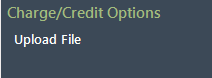
Select ‘Upload File’ on the navigation list
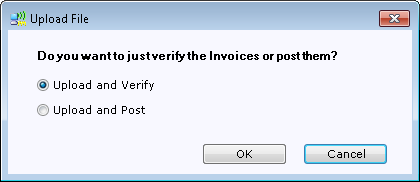
Confirm the upload option required
The file locator screen will be displayed, select the required file to upload.
If Upload and Verify option was chosen the system will show if any errors were found on the file

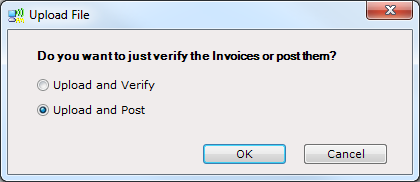
Select Upload file again and then Upload and Post
The system will shows how many records were verified and Posted the the accounts

The Charges/Credits posted will now appear on the account Ledgers