☑️ Search for a Sale in ParcVu Desktop
Last updated 7 months ago

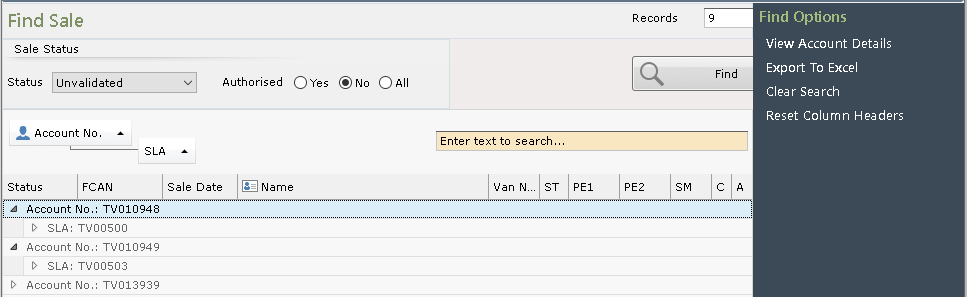
Selecting this option from the Main Menu will display the ‘Find Sale’ screen
Click ‘Find’ and all Sales will be displayed.
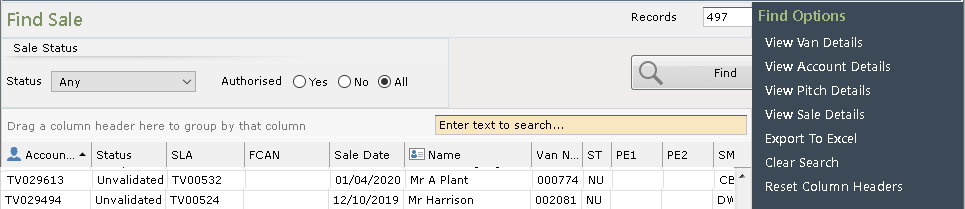
Search for a specific Sale using the ‘Status’ drop-down, the Radio Buttons or by entering the SLA – Sales License Agreement Number (this can be found at the top left hand side on the printed Sales Invoice), Van – CSN Number, Account – Customer Account Number, then clicking find, this will display the required Sale.
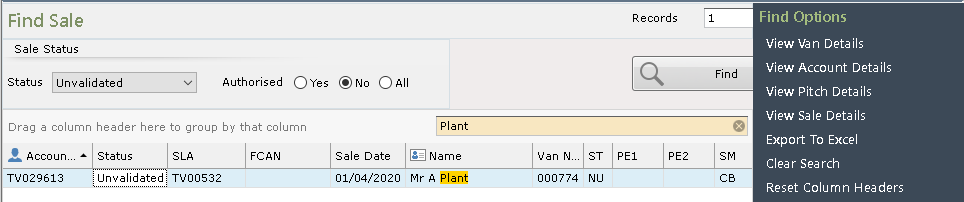
Click on the required Sale to highlight it choose what you wish to view from the Navigation list on the right-hand side of the screen, or double click on the Sale to be taken into the ‘Sales Detail’ screen.
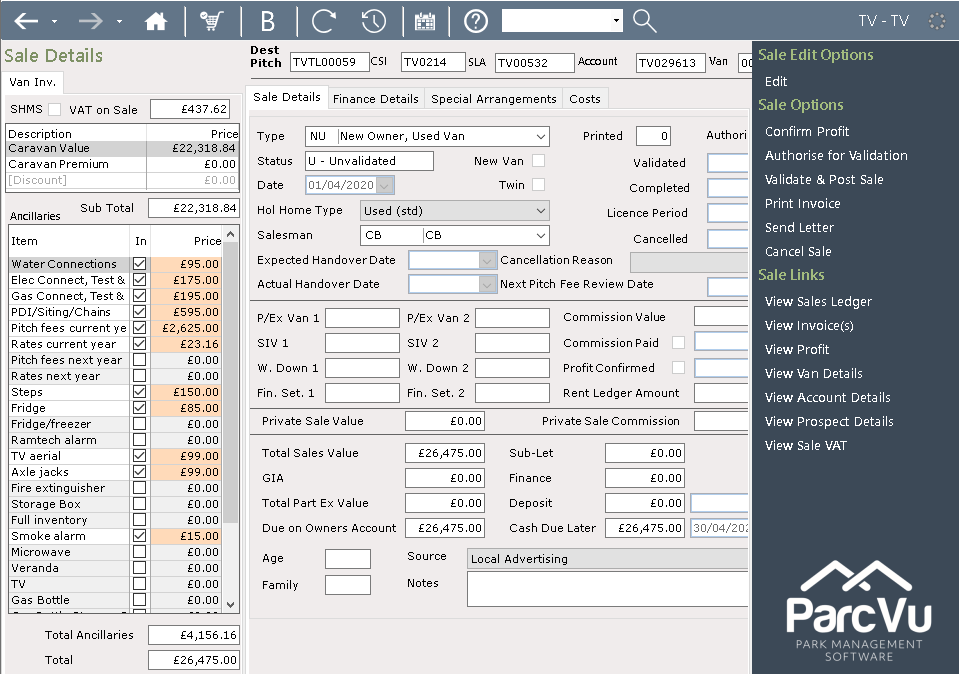
Again, there are many further options available to view or access from the Navigation list right hand side of the screen
The column headers can be dragged and dropped to group search results