Set Pitch Markers on a Park Map in ParcVu Online
Last updated 1 day ago
To use this function the user will need the Allow Access Park Maps Screen and Can Edit Park Map user permissions
Ensure you have the correct Park set in the top right of your screen, then from the Main Menu select Maps
Click Edit and the side menu will open showing all available Pitches
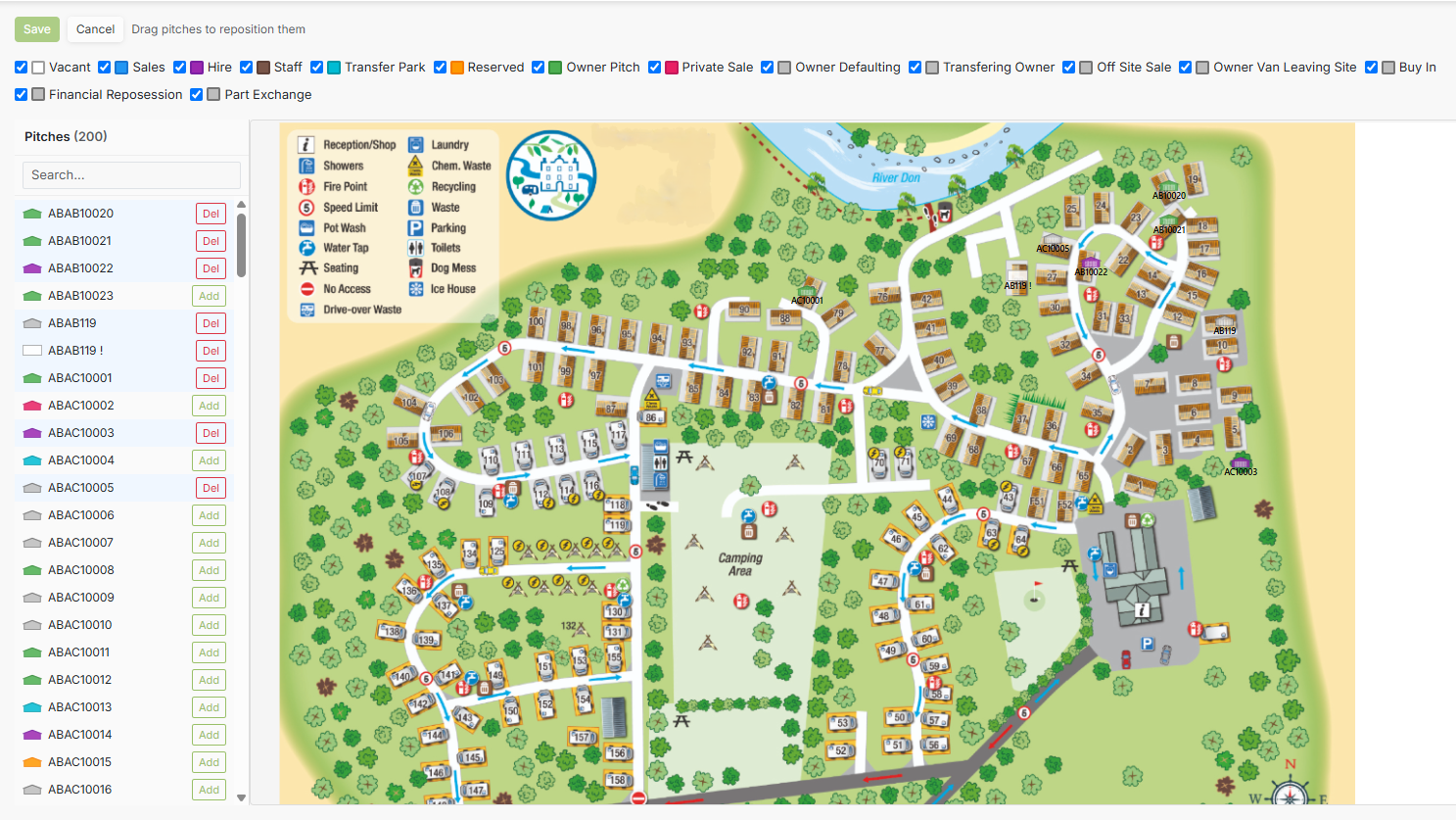
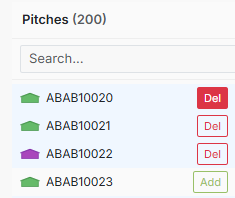
To remove an existing Pitch mapping, click Del next to the pitch in the list
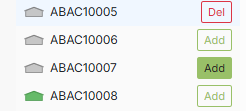
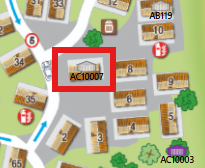
To add a Pitch mapping, click Add next to the pitch in the list, then drag the icon to the correct pitch
Once you have made your changes, remember to Save in the top left corner of the Map