☑️ Edit a Finance Company in ParcVu Desktop
Last updated 10 months ago
Go to System Maintenance Sub Menu > Maintain Maintain Finance Companies
Click on the required Company and select Edit from the Navigation list on the right.

The ‘Finance Company’ details will be highlighted at the bottom of the screen.
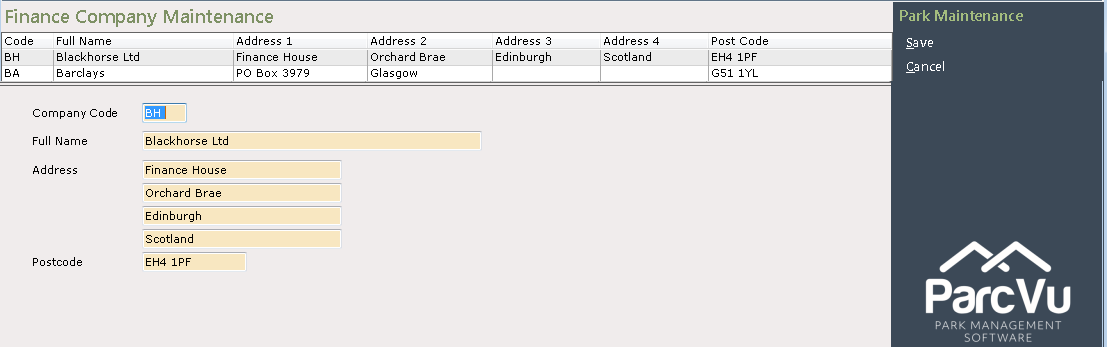
Add, Delete or Change the details as required and then select ‘Save’ from the Navigation list on the right.

The new details will now be recorded on the system.